Introduction
Motion graphics have traditionally stood at the intersection of artistic storytelling and tedious technical labor. Designing fluid character animation, complex particle systems, and photorealistic 3D camera sweeps historically required weeks of keyframing, tracking, and rendering in tools like Adobe After Effects or Cinema 4D. In 2026, generative AI video models and automated motion engines have transformed the industry, enabling creators to produce broadcast-quality animations at substantially faster speeds.
As generative video models evolve from low-resolution experimental loops into controllable, high-fidelity production tools, understanding which AI motion platforms fit specific creative workflows has become essential. Whether you are an indie filmmaker rendering cinematic title sequences, a performance marketer generating high-converting short-form video ads, or a 3D animator automating rotoscoping, AI tools offer a powerful force multiplier that can significantly reduce asset creation time without sacrificing creative agency.
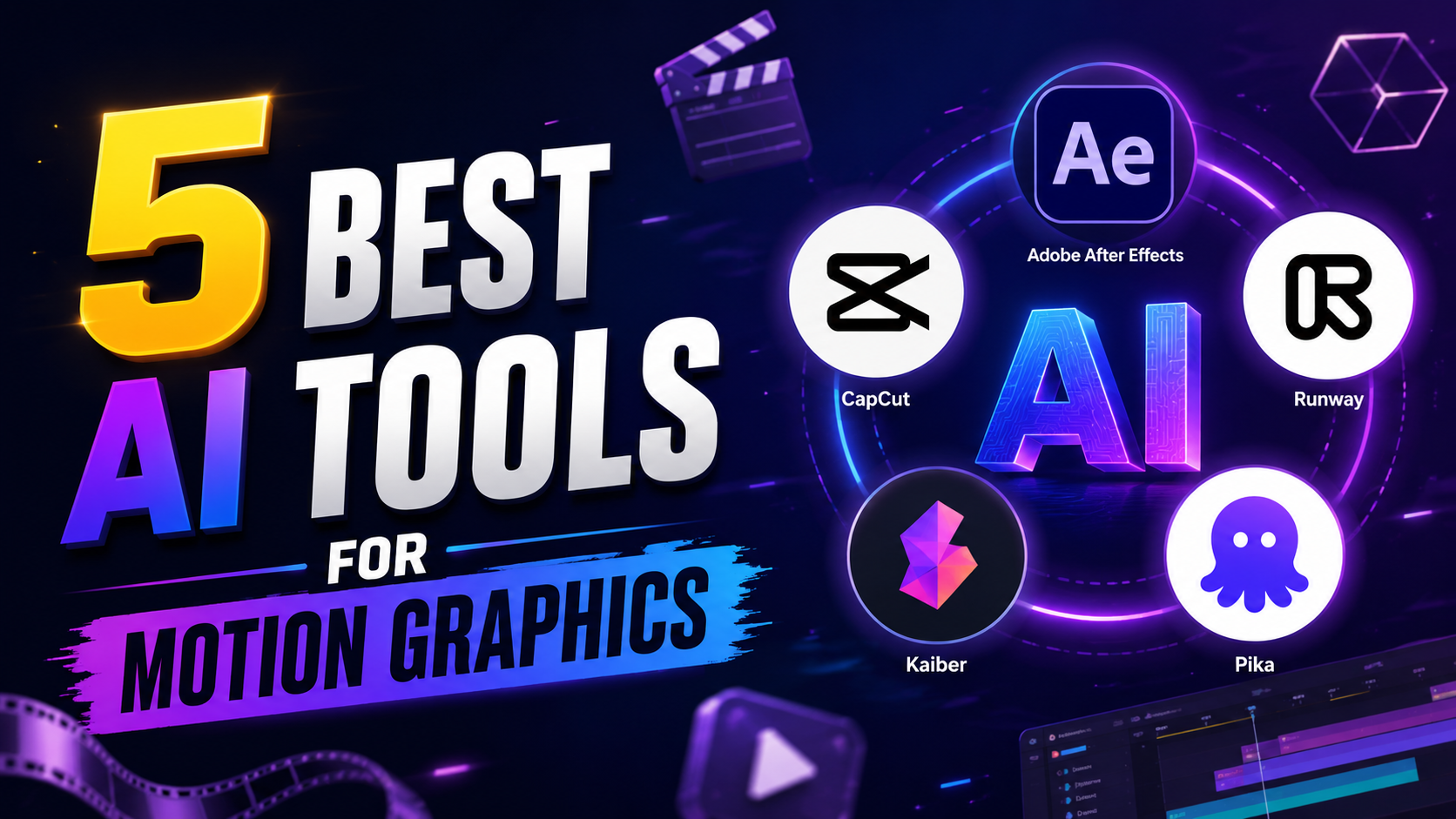
This comprehensive guide evaluates the 5 best AI tools for motion graphics in 2026. Below, we break down each platform's core generative capabilities, camera controls, rendering speeds, pricing models, ideal user profiles, and practical integration tips to help you select the exact tool stack for your creative pipeline.
⚡ Quick Summary: Top Motion Graphics Tools at a Glance
- Best Overall for Professionals: Runway ML (Gen-3 Alpha / 4.5) — Extensive camera control, motion brush precision, and VFX compositing.
- Best Free / Open-Source: Stable Video Diffusion (SVD) — Locally hosted generative video for tech-savvy creators requiring zero subscription fees.
- Best for Beginners & Speed: Pika Labs (Pika 2.1) — Fast text-to-video, Pikaframes keyframing, and intuitive social media animation tools.
- Best for Music & Audio Sync: Kaiber AI — Audio-reactive frame generation and rhythm-matched visual motion.
- Best for Adobe Users: Adobe Firefly + After Effects — Seamless AI Roto Brush, Generative Fill, and vector motion paths inside Creative Cloud.
Key Takeaways
- Generative AI video tools can significantly reduce asset creation and manual keyframing times.
- Hybrid workflows combining AI generation with After Effects compositing yield the highest professional visual quality.
- Camera vector controls and motion brushes are now standard features in leading AI video generators.
- Audio-reactive AI models allow creators to automatically sync complex visual movement to music tracks.
- Commercial licensing rights vary significantly between free open-source tools and paid cloud platforms.
- Prompt specificity and source asset resolution directly dictate the final rendering quality of AI animations.
Who Should Read This Guide?
This guide is engineered to provide practical value across specialized roles in motion design and digital media:
- Motion Designers & 3D Animators: Learn how to integrate generative video tools into existing After Effects, Cinema 4D, and Blender pipelines for hybrid production workflows.
- Video Editors & Post-Production Teams: Discover automated rotoscoping, camera control expansion, and AI-driven background replacement tools.
- YouTubers & Social Media Creators: Leverage rapid video generation to scale channel branding, intro sequences, and eye-catching thumbnails.
- Freelancers & Independent Animators: Speed up client pitch storyboards and high-fidelity video concepts without expanding studio overhead.
- Marketing Teams & Performance Agencies: Master rapid video ad variation generation across TikTok, Instagram Reels, and YouTube Shorts.
- Creative Agencies & Commercial Directors: Evaluate enterprise AI video models for high-budget commercial advertising and pitch decks.
- Indie Filmmakers: Generate cinematic visual effects, atmospheric background plates, and title sequences on indie budgets.
- Students & Media Educators: Gain a clear, technical, yet accessible understanding of modern machine learning applications in video production.
How We Evaluated These Tools
Our analysis of AI motion graphics platforms is based on a transparent, multi-dimensional evaluation framework:
- Official Platform Documentation: Deep review of engineering whitepapers, model release notes, and API technical specs from Runway, Pika, Luma Labs, Kaiber, and Stability AI.
- Verified Feature Capabilities: Comparing motion control precision, camera vector controls, frame rates (fps), resolution scaling, and style consistency.
- Pricing & Value Transparency: Evaluating credit consumption rates, monthly subscription tiers, free tier limitations, and commercial usage rights.
- Workflow Flexibility: Testing integration compatibility with professional post-production software (Adobe After Effects, Premiere Pro, DaVinci Resolve).
- Community & Industry Adoption: Analyzing active user feedback from motion design communities (r/MotionDesign, r/AfterEffects) and industry case studies.
Evaluation Criteria Breakdown
Each tool in this guide is evaluated against nine core parameters:
- Ease of Use: Interface clarity, prompt responsiveness, and onboarding speed for new creators.
- Motion Quality: Temporal consistency, physical realism, fluid frame interpolation, and freedom from visual distortion artifacts.
- Rendering Speed: Average generation wait time per standard 5-second video clip.
- AI Features: Advanced capabilities like Motion Brush, Inpainting, Lip-Sync, Camera Control vectors, and Style Transfer.
- Commercial Licensing: Clear ownership rights for client work, broadcast television, and commercial advertising.
- Workflow Integration: Ease of exporting assets (MP4, ProRes, PNG sequences) into standard NLE editing suites.
- Pricing: Overall cost-to-performance ratio across free, pro, and enterprise tiers.
- Learning Curve: Effort required to master prompt engineering and advanced platform controls.
- Community Support: Availability of user tutorials, Discord communities, and prompt libraries.
Top 5 AI Tools for Motion Graphics (Detailed Reviews)
Note: Pricing plans, credit allocations, and feature tiers may change as AI platforms evolve. Always visit each platform's official website to verify the latest subscription details.
1. Runway ML – The Professional Powerhouse
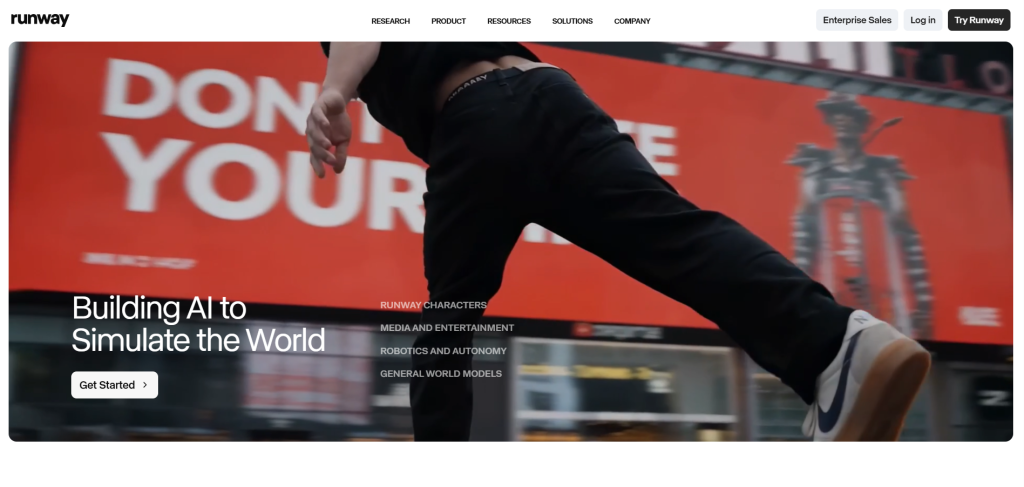
Overview: Runway ML is widely recognized as a leading platform for professional AI video generation and motion graphics compositing. Its flagship models (Gen-3 Alpha and Gen-4.5) deliver strong temporal consistency, realistic lighting physics, and granular camera motion controls tailored specifically for filmmakers, VFX artists, and commercial studios.
Best For: Professional motion designers, VFX artists, film directors, and commercial production studios seeking maximum control over camera paths and motion brushes.
Key Features:
- Advanced Motion Brush & Multi-Motion: Isolate specific image regions and assign independent directional velocity vectors.
- Precise Camera Controls: Program exact pan, tilt, zoom, rack focus, and truck camera moves in 3D space.
- Text-to-Video & Image-to-Video: Generate high-fidelity 4K clips from descriptive text or uploaded concept art.
- AI VFX Tools: Automated background removal, green-screen keying, motion tracking, and generative inpainting.
- Director Mode & Custom Seeds: Lock seed values for consistent character and environmental rendering across shots.
Pros: High cinematic realism, extensive camera path control, robust web interface, and active workflow integration with Adobe Firefly and After Effects.
Cons: Credit-based pricing can accumulate quickly during high-volume client rendering iterations; complex prompts require a steep learning curve.
Why We Recommend It: Runway ML provides a high level of directorial control over motion speed and camera angles, making it indispensable for hybrid professional pipelines.
Limitations: Free tier credits do not renew, and high-resolution 4K generation requires paid plan tiers.
Official Website: Runway ML
2. Pika Labs – Creative Speed & Stylization
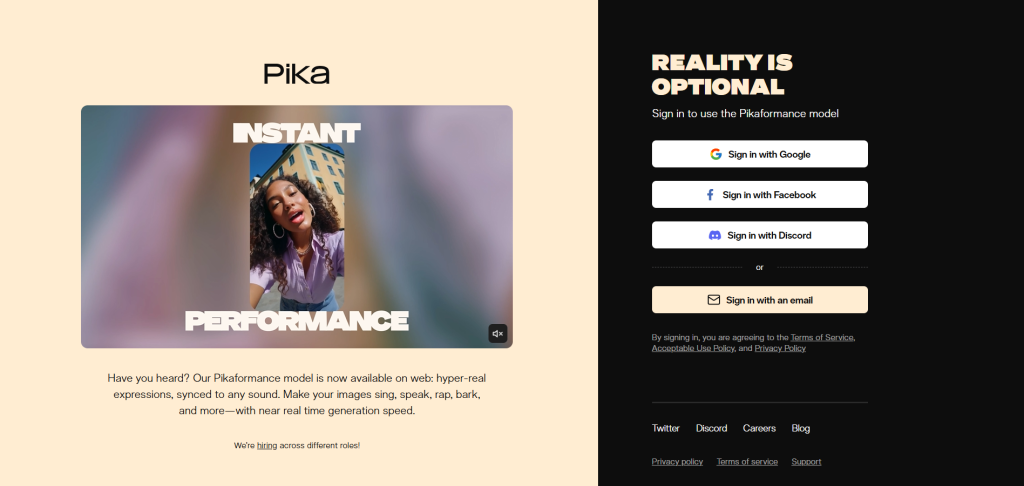
Overview: Pika Labs (Pika 2.1) excels at turning creative concepts into vibrant, stylized animations at high rendering speeds. Known for its playful features like Pikaframes and Pikaswaps, Pika is a favorite among social media creators and digital animators who need fast turnaround times.
Best For: Social media creators, YouTubers, performance marketers, and 2D/3D animators creating short-form video content and stylized motion loops.
Key Features:
- Pikaframes Keyframing: Interpolate smooth transitions between two distinct input images.
- Pikaswaps & Modify Region: Select specific objects within a video clip and replace them via text prompts.
- Lip Sync & Audio Generation: Automatically sync character mouth movements to uploaded voiceover files from tools like Murf AI.
- Camera Control Prompts: Simple command parameters (`-camera pan left`, `-fps 24`, `-motion 3`).
- Diverse Style Presets: Anime, 3D Pixar style, claymation, cyberpunk, and watercolor motion graphics.
Pros: Extremely intuitive interface, fast generation speeds, exceptional 2D/3D stylization capabilities, and active Web/Discord community.
Cons: Standard generation length is capped at 3–4 seconds per clip (expandable to 7s); less suited for photorealistic live-action VFX than Runway.
Why We Recommend It: Pika offers the fastest path from prompt to finished stylized animation, making it ideal for high-volume social content schedules.
Limitations: High motion parameters can occasionally cause character limbs to warp across extended clips.
Official Website: Pika Labs
3. Luma Dream Machine – Realistic Physics & Motion Mastery
Overview: Powered by Luma AI's Ray 2 foundational video model, Dream Machine specializes in rendering physics-compliant, photorealistic motion with complex object interactions and camera movements. It models real-world momentum, lighting reflection, and spatial depth with extraordinary accuracy.
Best For: Product designers, architectural visualization artists, commercial directors, and filmmakers requiring photorealistic motion graphics grounded in real-world physics.
Key Features:
- 3D Spatial Awareness & Physics: Accurately models fluid dynamics, cloth movement, glass reflections, and momentum.
- Keyframe Morphing & Continuation: Stitch start and end images together for seamless 5-second camera moves.
- High-Resolution Output: Generates crisp 1080p native video clips suitable for broadcast and commercial exhibition.
- Character Consistency: Maintains facial features and clothing structures across complex pan and tilt camera angles.
- Seamless Loop Generation: Create continuous background motion textures and environmental motion graphics.
Pros: High physical realism, excellent lighting coherence, high-resolution rendering output, and robust image-to-video capabilities.
Cons: High server demand can lead to queue wait times during peak hours; prompt engineering requires precise descriptions of lighting and camera lenses.
Why We Recommend It: Luma Dream Machine handles complex physical interactions—like liquid pours, car turns, and architectural fly-throughs—better than almost any competitor.
Limitations: Abstract or cartoon-style animations are less effective compared to dedicated stylized tools like Pika.
Official Website: Luma Dream Machine
4. Kaiber AI – Audio-Reactive Visual Synthesis
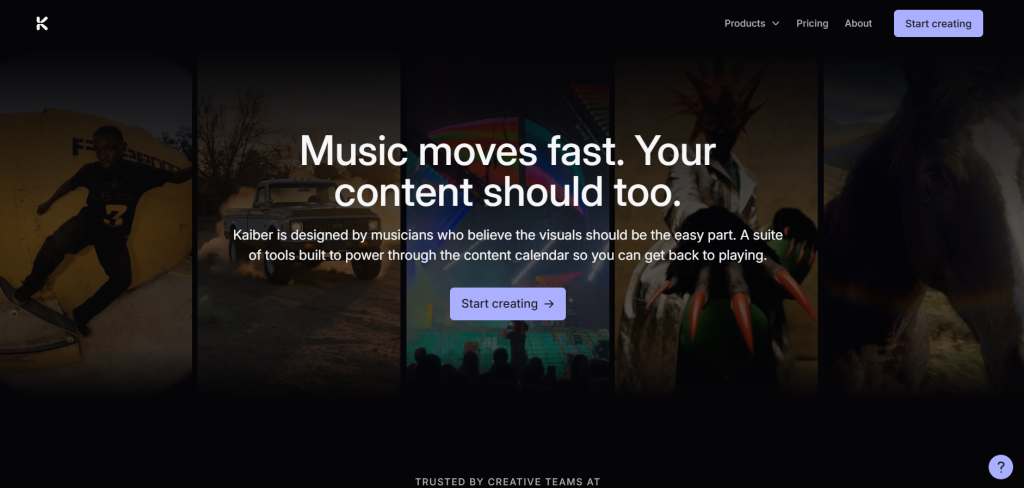
Overview: Kaiber AI is built specifically for creators, musicians, and motion designers who need to synchronize visual movement to audio tracks. By ingesting MP3 or WAV files, Kaiber analyzes frequency peaks, tempo, and rhythm to generate dynamic, pulse-matched visual graphics automatically.
Best For: Music video directors, concert visual artists, DJs, event promoters, and motion designers creating audio-reactive branding assets.
Key Features:
- Audio-Reactive Engine: Automatically syncs camera zooms, color pulses, and shape morphing to music beat science.
- Superstudio Workspace: Canvas-based node interface combining image generation, video transformation, and audio tracks.
- Multiple Motion Modes: Flipbook animation, smooth morphing video-to-video, and continuous camera flight.
- Storyboard Controls: Chain multiple prompt keyframes together to build full-length 3-minute music videos.
- Custom Style Weights: Control how heavily the AI adheres to input images versus text prompt instructions.
Pros: Strong audio synchronization capabilities, highly artistic visual aesthetic options, intuitive canvas node editor, and rapid storyboard generation.
Cons: Video-to-video mode requires high contrast source footage to avoid flickering; less suitable for rigid corporate explainer graphics.
Why We Recommend It: For music videos, concert visuals, and beat-synced promo clips, Kaiber eliminates hours of manual keyframing against audio waveforms. For music producers looking to pair visuals with AI-generated tracks, tools like Udio AI music generator and Sonauto can create the audio foundation that Kaiber then animates.
Limitations: Fine-grained spatial camera controls are less surgical than Runway ML.
Official Website: Kaiber AI
5. Adobe Firefly + After Effects – Professional Hybrid Integration
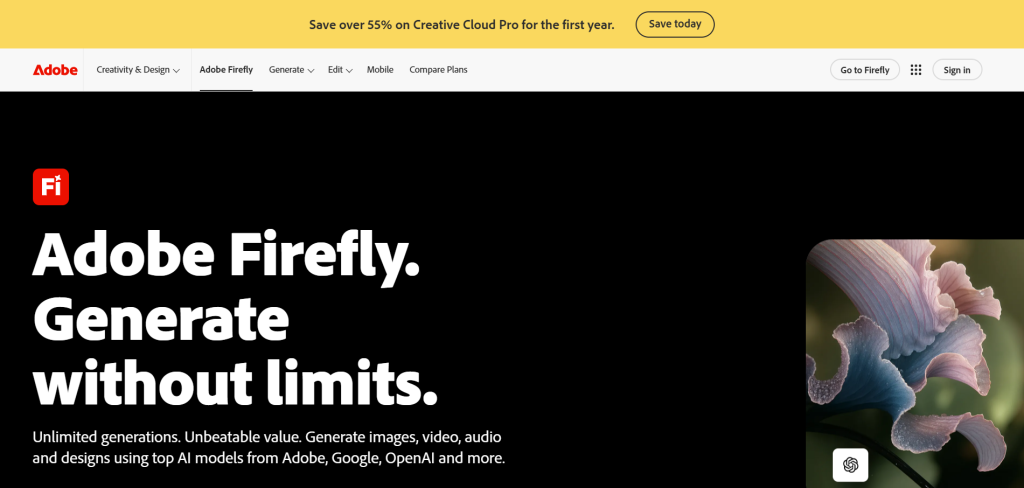
Overview: Adobe combines native generative AI capabilities (Firefly Video Model) directly inside industry-standard post-production suites like After Effects and Premiere Pro. This hybrid approach allows motion designers to combine automated generative fills and AI rotoscoping with traditional vector keyframing and layer compositing.
Best For: Professional motion designers, visual effects artists, agency animators, and broadcast editors who rely daily on Adobe Creative Cloud workflows.
Key Features:
- Generative Extend & Fill: Instantly extend video clips by several frames or generate missing background elements via text prompt.
- AI Roto Brush 3: Automatically select and isolate complex moving subjects (hair, glass, translucent fabric) in seconds.
- Vector Motion Path Assistance: Convert generative raster elements into editable vector shapes and animation paths.
- Firefly Style Matching: Match generative video textures directly to brand color palettes and existing client assets.
- Native After Effects Compositing: Full support for 3D camera tracking, expression scripts, and third-party plugins.
Pros: Complete creative precision, zero file conversion friction, commercial safety guaranteed under Adobe Firefly enterprise training models, and full layer compositing control.
Cons: Requires an active Adobe Creative Cloud subscription; hardware-intensive timeline performance on older machines.
Why We Recommend It: It offers the perfect bridge between generative AI speed and precise vector keyframe control for high-end client deliverables.
Limitations: Pure text-to-video generation is restricted by monthly Generative Credit allocations.
Official Website: Adobe After Effects & Firefly
Pros & Limitations of AI Motion Graphics
While AI generative models have revolutionized production speeds, understanding both their core advantages and current technical constraints ensures realistic project planning:
✓ Key Advantages
- Fast Production Speed: Can substantially reduce concept art iteration and preliminary keyframing time.
- Rapid Asset Prototyping: Enables solo creators to pitch high-fidelity animated storyboards in hours instead of weeks.
- Automated Repetitive Tasks: Eliminates manual rotoscoping, background keying, and frame interpolation drudgery.
- Creative Experimentation: Test dozens of visual styles (claymation, 3D, cyberpunk) without rebuilding rigs.
- Lower Barrier to Entry: Allows marketers and non-animators to produce clean promotional video assets.
- Dynamic Music Syncing: Audio-reactive AI tools automatically match visual movement to musical beat science.
✕ Technical Limitations
- Temporal Consistency Artifacts: Fine detail structures (fingers, text logos, complex geometry) can warp across frames.
- Limited Vector Editing: Pure AI video outputs generate raster pixels rather than editable vector shape paths.
- Credit & Compute Costs: High-resolution 4K rendering and repeated prompt iterations can accumulate costs quickly.
- Prompt Engineering Dependency: Achieving specific camera angles requires mastering precise text prompt syntax.
- Copyright & Ownership Nuances: Commercial usage rights require paid plan tiers or open-source licenses.
- Hardware & Server Bandwidth: Local models require beefy GPUs, while cloud platforms experience peak server queues.
AI Motion Graphics vs Traditional Motion Graphics
The table below provides an objective comparison between traditional keyframe animation workflows and modern AI-assisted motion pipelines:
| Comparison Metric | Traditional Motion Design (After Effects / C4D) | AI-Powered Motion Graphics (Runway / Pika / Luma) |
|---|---|---|
| Production Speed | Slow (Days to weeks per 30-second sequence) | Fast (Minutes to hours for generated clips) |
| Production Cost | High (Requires specialized animators, 3D rigs, plugins) | Low to Moderate (Subscription fees or credits) |
| Creative Control | 100% Precise (Pixel-level keyframe & curve vector control) | Probabilistic (Guided via prompts, brushes, & camera vectors) |
| Learning Curve | Steep (Requires mastering keyframes, graph editors, & 3D space) | Gentle to Moderate (Prompting & basic slider controls) |
| Task Automation | Manual (Frame-by-frame tracking & manual rotoscoping) | Automated (AI Roto Brush, Inpainting, & auto frame interpolation) |
| Output Asset Format | Vector shapes, 3D layers, project files (.aep, .c4d) | Raster video files (.mp4, .mov, PNG sequences) |
| Best Use Cases | Precision UI animations, strict brand guidelines, vector logos | Concept storyboards, background plates, VFX, stylized social ads |
Real Motion Graphics Workflows
To maximize production efficiency, professional creators combine AI generation with traditional editing suites. Below are practical step-by-step workflows for common digital video formats:
1. YouTube Shorts & Instagram Reels
Start by generating visual hooks using Pika 2.1 or Kaiber AI from text prompts. Import the generated 9:16 vertical MP4 clips into Premiere Pro or CapCut, apply fast-paced text overlays, and add voiceovers generated with Murf AI for rapid viral content publishing.
2. Commercial Advertising & Brand Ads
Generate high-resolution product background plates in Midjourney or Adobe Firefly. Animate realistic lighting sweeps and camera pans using Runway ML Gen-3. Composite your vector brand logo and typography over the AI video background inside After Effects to maintain strict brand compliance.
3. Explainer Videos & Corporate Presentations
Create abstract 3D motion backgrounds using Luma Dream Machine. Use After Effects AI Roto Brush to layer animated 2D infographic charts and callout text in front of the background plates, creating depth and professional polish.
4. Music Videos & Concert Visuals
Upload your audio track into Kaiber AI. Select the Audio-Reactive Superstudio mode to generate visual morphs synchronized to kick drums and basslines. Export the sequence and apply final color grading in DaVinci Resolve.
Industry Use Cases
AI motion graphics tools are actively transforming workflows across multiple commercial sectors:
- Digital Marketing & Advertising: Rapidly testing 10–15 video ad variations across social channels to lower cost-per-click (CPC).
- Education & E-Learning: Generating dynamic animated diagrams and historical reenactments for online course modules.
- Gaming & Game Development: Prototyping cinematic cutscenes, environmental textures, and character motion concepts quickly.
- Film & Entertainment: Building high-end pre-visualization storyboards and background plate VFX for indie feature films.
- Real Estate & Architecture: Creating realistic 3D camera walkthroughs and fly-through animations from architectural floor plans.
- E-Commerce & DTC Brands: Producing dynamic 360-degree product showcases and seasonal catalog promo graphics (explore our guide on AI tools for content creation for creating asset packages).
Common Mistakes to Avoid
- Writing Vague or Weak Prompts: Failing to specify camera angle, lighting style, movement speed, and resolution leads to generic outputs.
- Ignoring Post-Production Manual Editing: Relying 100% on raw AI output without color grading, text overlays, or sound design reduces final professional polish.
- Setting Wrong Aspect Ratios: Generating landscape (16:9) video and cropping it for vertical social feeds (9:16) degrades image resolution. Set native aspect ratios in your AI tool parameters.
- Inputting Low-Quality Source Assets: Feeding low-resolution pixelated images into image-to-video engines results in blurry, artifact-heavy animations.
- Overusing Gimmicky AI Effects: Stacking excessive morphing style transfers can distract viewers from your core message. Use AI motion purposefully.
- Overlooking Commercial Licensing Terms: Using assets generated on free non-commercial tiers for paid client campaigns violates platform terms. Always verify licensing rights.
Best Practices for AI Motion Generation
- Combine AI Speed with Vector Precision: Use AI for background plates, visual effects, and complex character motion, but keep typography and logos vector-based inside After Effects.
- Master Camera Control Syntax: Use specific prompt controls like `zoom in slow`, `pan right`, or `orbit 45 degrees` to establish cinematic shot consistency.
- Keep Generation Lengths Short: Generate 3-to-5-second high-quality clips and edit them together on a timeline rather than forcing a single model to generate long continuous takes.
- Build a Reusable Prompt & Seed Library: Document successful seed numbers and prompt frameworks to maintain visual continuity across multi-shot projects.
- Upscale Final Renders: Pass finished AI video clips through top-tier video upscalers to eliminate compression artifacts before client delivery.
Choosing the Right Tool for Your Needs
Selecting the optimal AI motion graphics platform depends on your primary production goal, skill level, and software ecosystem:
Pika Labs (Pika 2.1)
Runway ML (Gen-3 / 4.5)
Adobe Firefly + After Effects
Luma Dream Machine
Kaiber AI
Stable Video Diffusion (SVD)
Frequently Asked Questions
What are AI tools for motion graphics?
Can AI replace Adobe After Effects?
Which AI motion tool is best for beginners?
Are AI-generated motion graphics commercially safe to use?
How does image-to-video AI generation work?
What is the best AI tool for music-synced animations?
Can I use AI motion graphics for commercial video ads?
What is the difference between text-to-video and image-to-video?
Is there a free AI tool for motion graphics?
Final Verdict
The generative AI video ecosystem in 2026 offers specialized tools tailored to virtually every animation style, technical budget, and workflow requirement:
- Best Overall Professional Tool: Runway ML (Gen-3 / 4.5) — Advanced motion brush precision, 3D camera path controls, and high-fidelity cinematic outputs.
- Best Free / Open-Source Tool: Stable Video Diffusion — Ideal for developers and local GPU creators needing complete data privacy and zero credit costs.
- Best Value & Ease of Use: Pika Labs (Pika 2.1) — Fast, intuitive, and feature-rich for social media managers and independent creators.
- Best for Realism & Physics: Luma Dream Machine — Outstanding spatial 3D awareness and real-world lighting accuracy.
- Best Creative & Audio Tool: Kaiber AI — Highly effective audio-reactive beat syncing for music videos and event visuals.
- Best Adobe Creative Cloud Integration: Adobe Firefly + After Effects — The ultimate hybrid bridge for professional motion designers requiring vector keyframe control.
Sources & Reference Material
- Runway Documentation: Gen-3 Alpha & Gen-4.5 Motion Control Guide
- Pika AI Learning Hub: Pika 2.1 Features, Pikaframes & Camera Control Docs
- Luma AI Documentation: Ray 2 Foundational Video Model Physics & Dream Machine Guides
- Kaiber AI Documentation: Audio-Reactive Engine & Superstudio Workflow Docs
- Adobe Firefly Documentation: After Effects AI Roto Brush 3 & Firefly Video Model Integration
- Stability AI Documentation: Stable Video Diffusion (SVD) Open-Source Architecture Whitepaper
For deeper insights into modern AI creative pipelines, explore our comprehensive breakdown of AI tools for content creation, learn how to build digital avatars with top AI talking avatar generators, or evaluate developer automation tools in our AI tools for coding guide.