Udio remains one of the most advanced AI music generators in 2026, especially for creators who want more control over their songs instead of one-click music generation. Since its launch, the platform has introduced powerful editing tools while also undergoing major licensing changes that affect how users can use and export their music.
For this updated review, I tested Udio across multiple genres, including pop, cinematic, lo-fi, orchestral, EDM, and hip-hop. I also compared it with Suno and Sonauto to evaluate music quality, editing features, pricing, generation speed, and overall creator experience. This review includes everything you should know before choosing Udio in 2026.
Quick Verdict
Rating: 8.8/10 Udio remains one of the best AI music generators in 2026 for creators who want advanced editing tools and high-quality music generation.
Best for: YouTube creators, indie musicians, podcasters, and content creators who want greater control over AI-generated music. Key strengths: Excellent inpainting, timeline editing, realistic vocals, strong instrumental quality, and seamless song extension. Biggest weaknesses: Free credits run out quickly, some generations still require retries, and audio downloads remain unavailable following licensing changes.
If you want an AI music tool that lets you refine and improve songs instead of simply generating them, Udio is one of the strongest options available. However, creators who need downloadable audio files should review the platform's latest policies before subscribing.
What Is Udio AI?
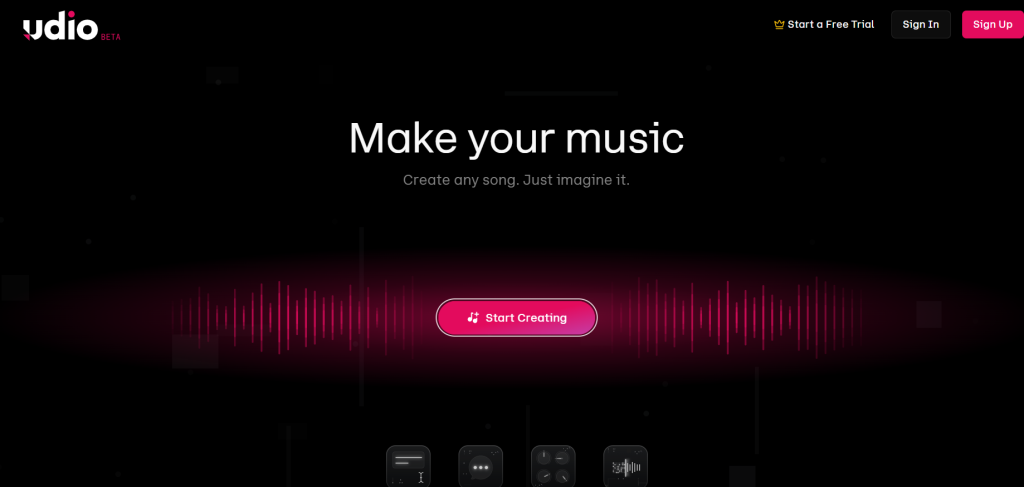
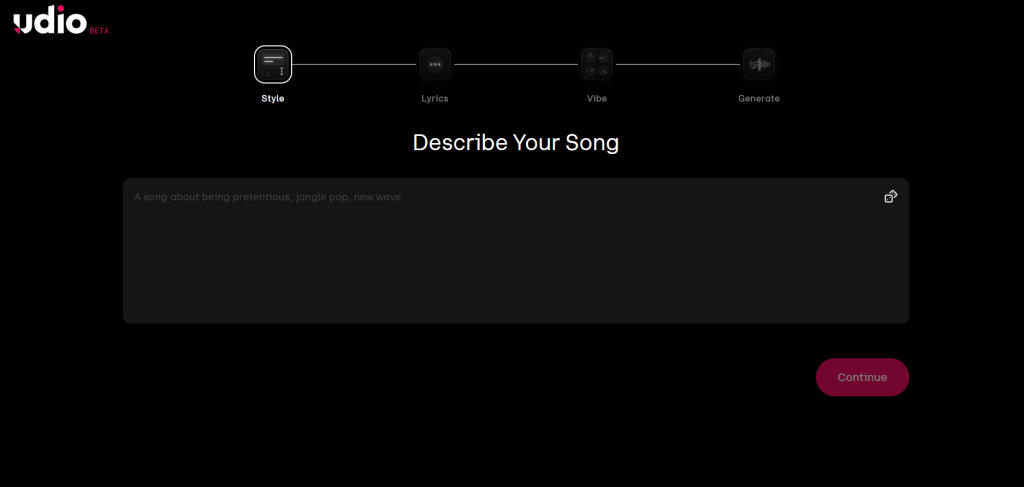
Udio is an AI-powered music generation platform that creates original songs from simple text prompts. You can describe a genre, mood, lyrics, instruments, or vocal style, and Udio generates complete music with vocals, melodies, and professional-quality arrangements in just a few seconds.
Developed by former Google DeepMind researchers, Udio has quickly become one of the leading AI music platforms thanks to its advanced editing capabilities, realistic vocal generation, and intuitive workflow. Unlike many AI music tools that focus only on quick song creation, Udio also lets users refine, extend, and edit individual parts of a track.
In 2026, Udio continues to evolve with improved generation quality and editing features, although recent licensing agreements have changed how users can download and use generated music. Despite those limitations, it remains one of the most powerful AI music creation tools for creators who want greater control over the final result.
My Experience Testing Udio AI
I tested Udio extensively using real-world creator workflows rather than simple demo prompts. Over multiple sessions, I generated songs across pop, EDM, cinematic, orchestral, lo-fi, hip-hop, rock, and acoustic genres to evaluate audio quality, generation speed, editing tools, and consistency.
Prompts I tested:
- "Upbeat tropical house track with female vocals, festival energy, summer anthem"
- "Dark cinematic orchestral soundtrack for a suspense movie trailer with powerful strings and brass"
- "Lo-fi hip-hop beat with vinyl crackle, rainy atmosphere, and relaxing piano"
- "Emotional acoustic ballad about moving forward after heartbreak with soft male vocals"
- "High-energy EDM festival anthem with massive drops and catchy vocal hooks"
What impressed me most: Udio consistently produced natural-sounding vocals with realistic emotion, breathing, and phrasing. Instrument separation was excellent, especially in orchestral and electronic music, while the timeline editor made it easy to improve specific sections without recreating the entire song.
The inpainting feature remains one of Udio's biggest advantages. Instead of generating a completely new track, I could replace only weak verses or choruses while keeping the rest of the composition intact. This saves a significant amount of time during music production.
What could be better: The free plan still feels restrictive for heavy experimentation because credits disappear quickly. Some generations also required multiple attempts before vocals sounded completely natural, particularly when using long or complex lyrics.
My overall experience: After testing dozens of songs across different genres, I found Udio to be one of the best AI music generators for creators who want editing flexibility instead of one-click music creation. While Suno often produces faster first drafts, Udio gives far more control when refining a song into something production-ready.
Key Features of Udio AI
Here’s how the main features actually work in practice:
Text-to-Music Generation Describe anything in natural language and get two variations. The more specific (genre tags, mood, structure, reference artists), the better the output. It handles complex prompts better than most tools I’ve tried.
Inpainting and Section Editing Highlight any part of the track on the timeline and regenerate just that section. This is Udio’s killer feature — no more scrapping entire songs because of one weak chorus.
Song Extension Extend tracks in 30-second chunks. Perfect for turning a 2-minute demo into a full 3–4 minute song without losing continuity.
Stem Export (Currently Unavailable) Originally available on paid plans, with separate WAV stems for vocals, drums, bass, and other elements. Update (October 2025): As part of the UMG licensing partnership, downloading of audio, video, and stems has been disabled across all plans. Generation and in-platform playback continue to work, but off-platform export is not currently available. See the Legal section for context.
Audio Quality 48000 Hz, 32-bit, stereo, full frequency range up to 20 kHz. Clean, dynamic, and radio-ready in most cases.
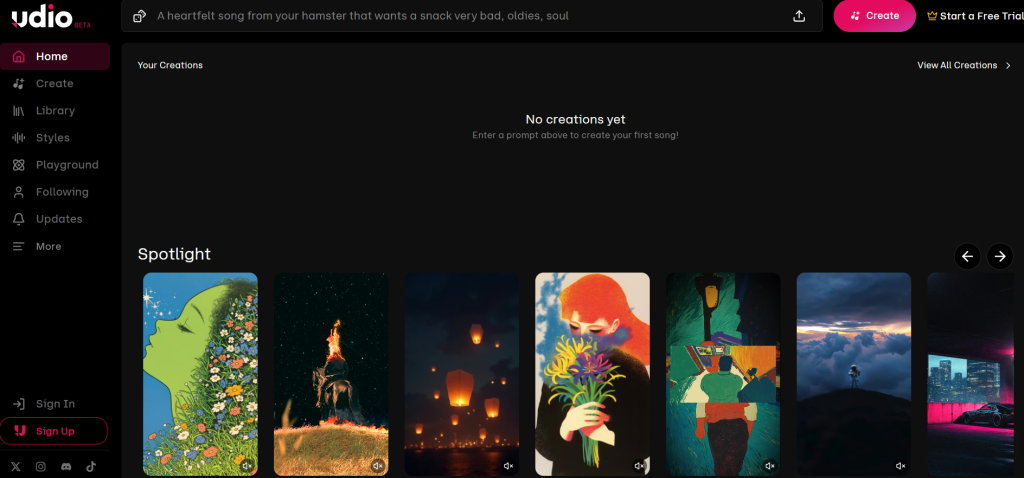
Community Features Publish tracks publicly, discover what others are making, and get inspired. The social layer adds real creative energy.
Prompt Controls Style tags, custom lyrics, mood descriptors, and audio uploads for reference all give you fine-tuned control.
Udio Pricing Plans
Udio uses a credit system. One credit roughly equals one 2-minute generation.
| Plan | Price (monthly / annual) | Credits per month | Key Benefits | Best For |
|---|---|---|---|---|
| Free | $0 | 10/day + 100/month (no rollover) | Basic generations, up to 3 full-length songs/day | Testing the waters |
| Standard | $10 ($8 annual) | 2,400 | Voice Control, editing tools, style references, custom cover art, no daily song cap | Regular creators |
| Pro | $30 ($24 annual) | 6,000 | All Standard features, 10 simultaneous generations, student pricing available | Power users & professionals |
Note: Credits don’t roll over. Pay-as-you-go is also available: 100 credits for $3, or 1,000 credits for $25 (purchased credits don’t expire). Important (August 2026): Downloading of audio, video, and stems has been disabled across all plans as part of Udio’s UMG licensing partnership. See the Legal section below for details.
Udio vs Suno vs Sonauto (Hands-on Comparison)
Here’s a clear side-by-side comparison based on my testing:
| Feature | Udio | Suno | Sonauto |
|---|---|---|---|
| Free Plan | Limited (10/day) | More generous | Unlimited generations |
| Vocal Quality | Excellent emotion | Top-tier clarity | Strong & improving |
| Editing Tools | Advanced (inpainting + timeline) | Moderate | Good |
| Stem Export | Disabled (Oct 2025) | Yes (higher tiers) | Yes |
| Song Extension | Excellent | Good | Basic |
| Commercial Rights | Clear on Pro | Clear on paid | Less clear |
| Best For | Production control | Speed & beginners | Free experimentation |
Detailed analysis: Udio wins for creators who want to build and refine music. Its inpainting and extension features give you pro-level control that Suno and Sonauto don’t match yet. Suno feels quicker for complete songs out of the box, while Sonauto AI review shines if you want unlimited free plays and don’t mind lighter editing. For most YouTube creators and indie musicians, Udio strikes the best balance once you’re past the learning curve.
Best Prompting Tips for Udio
Good prompts = dramatically better results.
Pro tips I use:
- Be specific: “cinematic orchestral trailer music, epic brass swells, tense strings, no vocals, Hans Zimmer style”
- Structure it: “verse-chorus-verse, upbeat pop, female vocals, lyrics about chasing dreams”
- For YouTube background music: “royalty-free lo-fi hip-hop beat, chill atmosphere, no lyrics, study focus”
- Emotional prompts: “heartbreaking piano ballad, male vocals with raw emotion, minimal production”
- Instrumental only: Always add “instrumental” or “no vocals” at the end.
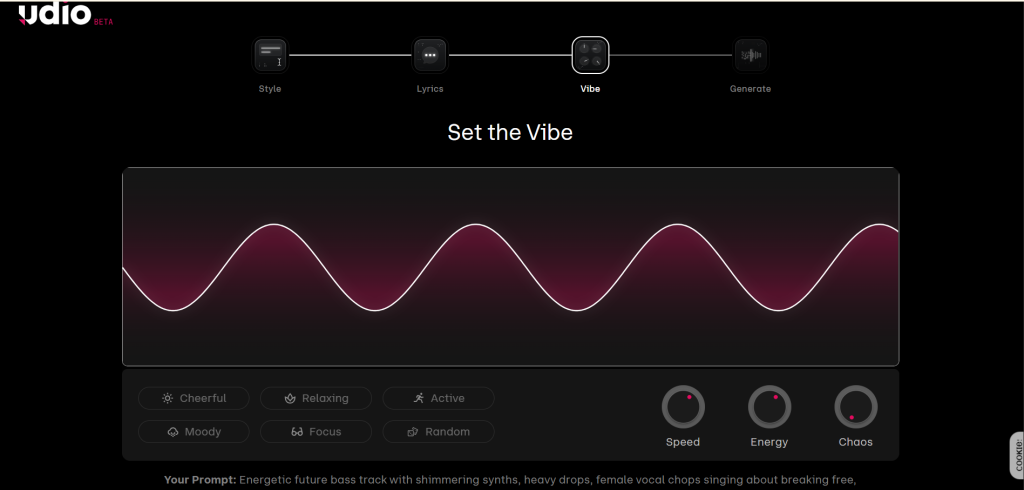
Example prompt that worked great: “Energetic future bass track with shimmering synths, heavy drops, female vocal chops singing about breaking free, festival energy, 128 BPM”
Who Should Use Udio AI?
- YouTube and TikTok creators needing custom background music
- Indie musicians and producers looking for songwriting inspiration and advanced editing tools
- Podcasters and content creators who want original audio
- Educators teaching music structure
It pairs beautifully with other AI tools for content creation and AI talking avatar generators for full video packages. Combine it with AI voice tools or my Murf AI review for narration workflows.
Who Should Avoid It?
- Complete beginners who want zero editing (try Sonauto first)
- Anyone on a tight budget who hates credit limits
- Users needing guaranteed 100% commercial-safe music without checking terms
Strengths and Weaknesses
Strengths:
- Powerful editing tools (inpainting is addictive)
- High-quality instrumentals and emotional vocals
- Advanced timeline editing and inpainting for refining songs
- Iterative workflow feels creative, not mechanical
Weaknesses:
- Free tier runs out fast during heavy testing
- Some generations still need retries
- Licensing landscape is still evolving (more below)
Legal and Commercial Rights Concerns
This is the elephant in the room for every AI music tool in 2026.
Udio settled with Universal Music Group in October 2025 — and as a direct result, downloading of all audio, video, and stems was disabled across all plans (confirmed in the official Udio Help Center). Warner Music Group settled in November 2025, Merlin (independent labels) in January 2026, and Kobalt in mid-2026. Generation and in-platform playback still work, but off-platform export is not currently available.
What YouTubers should know: Paid plans generally allow commercial use, but always double-check current terms before uploading to monetized channels.
Spotify / streaming creators: Commercial rights are clearer on Pro plans, but some platforms still flag heavy AI-generated content.
General advice: Treat Udio output like any licensed music — read the latest terms on udio.com before monetizing. The platform has made big strides since the RIAA lawsuits, but it’s smart to stay cautious.
Final Verdict
Udio AI is absolutely worth it in 2026 if you value control, editing power, and production-quality output. The Standard plan at $10/month is excellent value for regular creators, and the Pro tier makes sense once you’re producing at volume.
The biggest trade-off today is that downloads remain unavailable due to licensing changes. If that limitation doesn't affect your workflow, Udio remains one of the strongest AI music platforms available.
It’s not the absolute easiest tool for total beginners (Sonauto wins there), but once you learn the workflow, it becomes incredibly powerful. For YouTube creators, indie artists, and anyone building a content library, Udio delivers results that actually sound professional.
If you’re ready to move beyond simple demos and into real production, Udio is one of the best AI music generators available right now.
Frequently Asked Questions
Is Udio AI free? Yes, there’s a usable free tier with 10 credits per day plus a 100-credit monthly bonus. It’s great for testing but limited for serious work.
Is Udio better than Suno? It depends. Udio offers better editing tools and instrumental quality. Suno often feels faster with stronger raw vocals. Many creators use both.
Can I monetize Udio songs? Yes on paid plans, but always verify the latest commercial rights in the terms of service.
Is Udio copyright free? No tool is 100% risk-free, but paid plans provide clearer licensing after the 2025 label settlements. Check current status before commercial use.
Does Udio support custom lyrics? Yes — you can write your own lyrics or let it generate them.
Is Udio good for YouTube creators? Excellent. Custom background tracks, jingles, and intros save huge licensing headaches.
Does Udio offer stem exports? No. Audio, video, and stem downloads are currently unavailable following Udio's licensing agreements. Check Udio's official Help Center for the latest updates.
Can Udio create full songs? Yes. You can generate 2-minute clips and extend them into full 3–5 minute tracks easily.
Ready to try it? Head to udio.com and start with the free tier — you’ll quickly see why so many creators are hooked.
What genre are you planning to create first? Drop it in the comments — I’m always happy to share prompt tips that actually work.
Sources
- Udio Official Website — platform features and homepage
- Udio Pricing Page — current plan details and credit limits
- Udio Help Center: UMG Partnership Changes — confirms download/stem disable (updated February 2026)
- Music Business Worldwide: Udio + Kobalt deal — label settlement timeline
- Sonauto AI Review — AI Tool Notes comparison reference