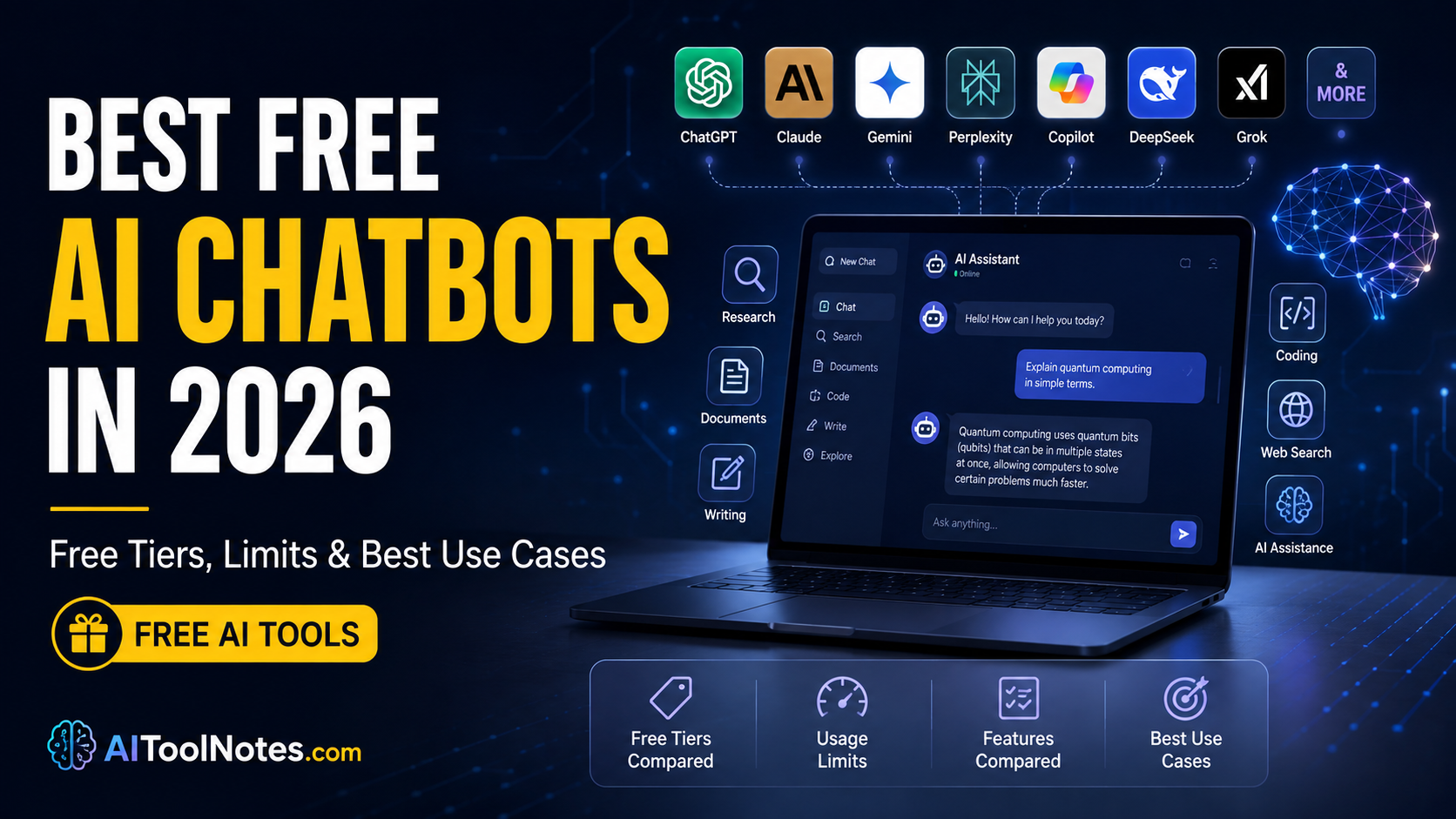
Readers now have more AI chatbot choices than ever, but “free” means different things from one service to another. Some offer unlimited basic text chats. Others restrict advanced models, file uploads, image generation, or research tools. Usage can reset every few hours, daily, weekly, or shift dynamically with demand, prompt complexity, and conversation length.
Free AI chatbots improved sharply in 2026. Many now include web search, file handling, image tools, coding help, and solid reasoning without a credit card. Still, every free tier has limits. Comparing those limits helps you pick the tool that actually fits your work instead of paying for features you rarely use.
This guide covers what each major free chatbot delivers today, its real restrictions, best use cases, platforms, privacy notes, and who should choose it. Information comes from official pricing, help, and product pages. Free tiers change often, so always check the provider’s current plan page.
Quick Comparison: Best Free AI Chatbots in 2026
| Chatbot | Best For | Free Plan Highlights | Web Search | File Uploads | Image Generation | Main Limitation | Overall Rating (Free Tier) |
|---|---|---|---|---|---|---|---|
| ChatGPT | All-purpose everyday use | Unlimited text (GPT-5.6 Luna) | Yes | Limited | Limited | Tool & feature caps | 9/10 |
| Claude | Writing & long documents | Solid models, web search, files | Yes | Yes | No | Dynamic usage (length, tools) | 8.5/10 |
| Google Gemini | Google users & research | Flash model + limited Pro | Yes | Limited | Limited | Compute-based dynamic limits | 8/10 |
| Microsoft Copilot | Microsoft ecosystem | Chat, search, summarization | Yes | Limited | Limited | Capacity limits; Deep Research restricted | 8/10 |
| Perplexity | Source-backed research | Unlimited basic searches | Yes (core) | Limited | No | Pro Searches limited | 8.5/10 |
| DeepSeek | Coding & reasoning | Strong free chat + think mode | Yes | Yes | No | Soft throttling at peak | 9/10 |
| Grok | Real-time & X users | Chat, search, voice | Yes | Limited | Limited/paid | Dynamic message limits | 7.5/10 |
| Meta AI | Everyday & social | Multimodal in Meta apps | Yes | Limited | Yes | Some compute features limited | 8/10 |
| Mistral Le Chat | Privacy-minded Europe | Models, search, code, images | Yes | Yes | Limited | Soft daily message caps | 7.5/10 |
| Poe | Multiple models | Daily points across models | Yes | Limited | Limited | Points system restricts heavy use | 7/10 |
Ratings reflect free-tier usefulness, not paid versions.
How We Evaluated the Free AI Chatbots
We looked at answer quality, reasoning, accuracy, web search and research strength, writing and coding ability, file and image handling, voice, speed, ease of use, free-tier generosity, usage limits, privacy controls, platform availability, and overall value for people who prefer not to subscribe. A chatbot does not need the absolute strongest model to rank highly. A generous, reliable free tier often delivers more practical value.
Best Free AI Chatbots in 2026: Detailed Reviews
ChatGPT
OpenAI’s free tier now centers on unlimited text chats with GPT-5.6 Luna plus a Think button for harder questions. You also get web search, limited file and image uploads, data analysis, image creation, GPTs (use only), limited deep research, limited voice, and limited Codex/Work access on desktop.
Free Tier Limits: Text is unlimited (subject to abuse guardrails). Separate limits apply to uploads, image generation, voice, deep research, and other tools. These reset on their own schedules and can tighten under high demand. Context and memory are limited compared with paid plans. Account required. No credit card needed.
Best Use Cases: Everyday questions, writing, brainstorming, light coding, study help, and general research.
Pros
- Broad and comprehensive feature set
- Unlimited plain text chatting
- Strong ecosystem with custom GPTs browsing
- Available across Web, iOS, Android, and Desktop
Cons
- Tool limits hit power users quickly
- Ads may appear in some regions
- Free model is the lighter Luna version
Platforms: Web, iOS, Android, Windows, macOS.
Paid Upgrade: Go ($8), Plus ($20), and higher unlock stronger models, higher limits, custom GPTs, expanded tools, and priority access.
Claude
Anthropic’s free plan gives access to capable models (primarily Sonnet and Haiku family), web search, file uploads, code generation and visualization, content writing, Projects (limited), Artifacts, and memory across conversations. Extended thinking is available for complex work.
Free Tier Limits: Usage is dynamic. It depends on message length, conversation length, model, tools, and effort level. Limits reset on a rolling five-hour window (plus possible weekly factors). No fixed public message count. Free users do not get the full flagship Opus or certain advanced tools such as full Claude Code.
Best Use Cases: Long-form writing, editing, analysis of documents, careful reasoning, and coding help.
Pros
- Exceptional, natural writing quality
- Strong context and nuanced document handling
- Thoughtful, well-structured reasoning
- Solid privacy opt-out settings
Cons
- Dynamic limits can feel restrictive for heavy sessions
- No built-in image generation tools
Platforms: Web, iOS, Android, desktop.
Paid Upgrade: Pro (~$20/month) and Max tiers give substantially more usage, more models, Research, Claude Code, and higher limits.
Google Gemini
Free access centers on the fast Flash model with limited daily access to stronger Pro/Thinking modes. Features include web search, limited file/video/audio uploads, image generation, Canvas, Gems, voice (Gemini Live on mobile), and limited Deep Research.
Free Tier Limits: Compute-based. Limits depend on model, feature, prompt complexity, and conversation length. They refresh every few hours up to a weekly ceiling. Context window is smaller (around 32K tokens). Some advanced features are capped or gated.
Best Use Cases: Research within Google services, everyday questions, light multimodal work, students using Google Workspace tools.
Pros
- Tight Google Workspace integration
- Solid multimodal capabilities (audio, video, text)
- No credit card required
Cons
- Dynamic limits and smaller context window
- Pro access is restricted on the free plan
Platforms: Web, Android, iOS, integrated in Google apps.
Paid Upgrade: Google AI Plus/Pro/Ultra raise limits, context, and unlock more advanced features.
Microsoft Copilot
Free Copilot handles general questions, writing, summarization, web-grounded answers with citations, image creation, and Edge page/PDF tools. Voice is available. Sign-in unlocks history and fuller features.
Free Tier Limits: Generous for standard chat. Capacity and image limits apply; some advanced research tools have moved behind paid plans. Peak-time slowdowns possible.
Best Use Cases: Microsoft users, quick research, writing, summarization, image ideas.
Pros
- Easy access via web, Edge browser, Windows, mobile
- Reliable citations and grounded web links
- No forced subscription for core chat
Cons
- Deepest Microsoft 365 integration requires paid plans
- Some research features restricted
Platforms: Web, Windows, Edge, iOS, Android.
Paid Upgrade: Copilot Pro or Microsoft 365 plans unlock app integration and higher limits.
Perplexity
Free plan focuses on unlimited basic searches with citations. Pro Searches (deeper multi-step research) are limited. Basic file uploads and core Focus modes are available. Model is auto-selected.
Free Tier Limits: Unlimited standard searches. Pro Searches typically limited to a small daily number (commonly reported around 3–5). File uploads and advanced modes capped. No image generation or full model picker.
Best Use Cases: Web research, fact-finding with sources, students and writers needing citations.
Pros
- Excellent source-backed, cited answers
- Fast and efficient research workflow
- Unlimited standard searches at zero cost
Cons
- Advanced research and frontier models restricted
- Limited file handling on free tier
Platforms: Web, mobile apps.
Paid Upgrade: Pro (~$20) unlocks hundreds of Pro Searches, model choice, higher uploads, and more.
DeepSeek
The free chat at chat.deepseek.com offers strong general and reasoning models (including think/DeepThink modes), web search, file uploads, and coding help. No traditional paid consumer subscription for the chat interface; the business model centers on API.
Free Tier Limits: No hard published daily message caps for casual use. Soft throttling or slowdowns can occur at peak times. Context is generous for free access.
Best Use Cases: Coding, mathematics, multi-step reasoning, technical problem-solving, budget-conscious heavy use.
Pros
- Very generous, practically uncapped free access
- Exceptional reasoning and code generation performance
- No credit card or subscription pressure
Cons
- Interface less polished than Western peers
- Data residency considerations for some users
- Occasional peak-hour server slowdowns
Platforms: Web, iOS, Android.
Paid Upgrade: Mainly API pay-as-you-go for developers.
Grok
xAI’s free tier provides chat with real-time web and X search, voice, and image understanding. Flagship models and heavy features sit behind higher limits or paid plans.
Free Tier Limits: Dynamic and unpublished exact numbers; typically rolling windows that feel restrictive for heavy sessions. Image/video generation often limited or paid.
Best Use Cases: Current events, X ecosystem users, casual questions with real-time flavor.
Pros
- Strong, unmatched real-time knowledge and breaking news
- Engaging personality and high response speed
- Voice interaction available
Cons
- Usage limits can feel tight during deep sessions
- Flagship access and generation tools restricted
Platforms: grok.com, X app, mobile.
Paid Upgrade: SuperGrok tiers unlock higher limits, frontier models, and generation tools.
Meta AI
Available free inside WhatsApp, Instagram, Messenger, Facebook, and meta.ai. Multimodal (text, image, voice), image generation, web info, and everyday assistance. Powered by Meta’s latest models.
Free Tier Limits: Basic use is very open. Some compute-intensive features have daily or monthly caps; optional paid tiers are testing higher limits in some regions.
Best Use Cases: Everyday questions, social messaging, quick image ideas, mobile users already in Meta apps.
Pros
- No separate signup needed for WhatsApp/IG users
- Strong multimodal capabilities with fast image gen
- Completely seamless in everyday social messaging
Cons
- Less suited to long technical documents or heavy coding
- Some advanced compute features capped
Platforms: Meta apps + meta.ai web/app.
Paid Upgrade: Emerging Meta One tiers for higher capacity.
Mistral Le Chat
European option with free access to current models, web search, code interpreter, document upload, image generation, and Canvas-style tools.
Free Tier Limits: Soft daily message caps (commonly around 20–25 on stronger use). Higher limits and features on Pro.
Best Use Cases: Users wanting a European alternative, coding, writing, light research.
Pros
- Highly competitive European frontier models
- Code interpreter and image tools included on free tier
- Privacy-conscious corporate positioning
Cons
- Daily soft caps on high-tier models
- Smaller global ecosystem than OpenAI/Google
Platforms: Web, mobile.
Paid Upgrade: Pro (~$15) multiplies limits and unlocks more.
Poe
Aggregator that lets you try many models (including GPT, Claude, Gemini, Grok variants, and others) under one account using daily compute points.
Free Tier Limits: Daily points (recently reduced; commonly reported around 300). Expensive models and images consume points quickly.
Best Use Cases: Comparing models, light experimentation, users who want variety without multiple accounts.
Pros
- One single account to test multiple leading AI models
- Effortless model switching and comparison
Cons
- Daily points run out quickly on premium models
- Not suitable for sustained heavy daily workflows
Platforms: Web, iOS, Android, desktop.
Paid Upgrade: Starter and Premium plans raise points significantly.
Best Free AI Chatbot by Use Case
🏆 Best Overall
ChatGPT or DeepSeek
✍️ Best for Writing
Claude
🔍 Best for Research
Perplexity
🌐 Best for Web Search
Perplexity or ChatGPT
🎓 Best for Students
ChatGPT or Gemini
💻 Best for Coding
DeepSeek
📐 Best for Mathematics
DeepSeek
📄 Best for Long Documents
Claude
💡 Best for Brainstorming
ChatGPT
🎨 Best for Image Generation
Meta AI or ChatGPT (within limits)
🎙️ Best for Voice
ChatGPT, Gemini, or Grok
📂 Best for Google Users
Gemini
🪟 Best for Microsoft Users
Copilot
🔄 Best ChatGPT Alternative
Claude or DeepSeek
🛡️ Best for Privacy-Conscious
Claude or Mistral (with settings checked)
🔀 Best for Multiple AI Models
Poe
💬 Best for Everyday Questions
Meta AI or ChatGPT
📢 Best for Content Creators
ChatGPT or Claude
🚫 Best With No Subscription Pressure
DeepSeek or Meta AI
ChatGPT Free vs Claude Free vs Gemini Free vs Perplexity Free
ChatGPT Free now leads on unlimited plain text and breadth of tools, though advanced features stay capped. Claude Free wins on writing quality and careful long-context work but uses dynamic limits. Gemini Free shines for Google users and multimodal tasks under compute-based restrictions. Perplexity Free is the clearest winner for citation-backed research, with basic searches effectively unlimited and deeper modes limited.
Choose by workflow: general productivity (ChatGPT), polished writing (Claude), Google life (Gemini), or source-heavy research (Perplexity). No single winner fits every person.
Best Free Chatbot for Different Users
- Students: ChatGPT (primary), Gemini (alternative)
- Writers: Claude (primary), ChatGPT (alternative)
- Researchers: Perplexity (primary), Claude (alternative)
- Programmers: DeepSeek (primary), ChatGPT (alternative)
- Bloggers / Content Creators: Claude or ChatGPT
- Freelancers / Professionals: ChatGPT
- Business / Small Business: Copilot or ChatGPT
- Teachers: ChatGPT or Gemini
- Casual Users: Meta AI or ChatGPT
- Budget-Conscious: DeepSeek or Meta AI
Are Free AI Chatbots Really Free?
Most are freemium: genuine free access with usage, model, or feature limits. Companies limit free tiers because running large models is expensive, demand fluctuates, and paid plans fund better models and capacity. Free usually means free with account, free with daily/rolling limits, free with dynamic compute limits, or free for core features only. True unlimited access without any restriction is rare.
What Are the Biggest Free-Tier Limitations?
Common restrictions include message or compute caps, slower responses at peak times, limited access to the strongest models, file-size or upload-frequency limits, image-generation quotas, restricted deep research, smaller context windows, and occasional geographic differences. Always verify the live plan page because numbers and rules change.
Privacy: Are Free AI Chatbots Safe?
Treat free consumer chatbots as convenient tools, not secure vaults. Do not paste highly sensitive personal, medical, financial, or confidential business information unless you have reviewed the current privacy policy and enabled available opt-outs. Most providers use conversations to improve models by default; opt-out options exist on several services. For school or work data, prefer tools whose policies match your requirements.
How to Get the Most From Free AI Chatbots
- Match the chatbot to the task: Research → Perplexity; writing → Claude; coding → DeepSeek.
- Keep prompts focused and shorter when limits are tight.
- Save heavy tool use (uploads, images, deep research) for after resets.
- Turn on web search when freshness matters.
- Ask for sources and then verify them.
- Fact-check important claims before publishing or acting.
- Never upload truly sensitive personal or business material.
- Cross-check answers between two free tools when accuracy is crucial.
- Combine free tools instead of stacking paid subscriptions.
- Check each service’s usage dashboard regularly so you understand your real limits.
Frequently Asked Questions
Conclusion
The best free AI chatbots in 2026 deliver real capability without a subscription. ChatGPT now offers unlimited everyday text plus a wide toolset under feature limits. Claude remains outstanding for writing and careful analysis. Gemini integrates smoothly with Google life. Perplexity excels at cited research. DeepSeek provides exceptional free reasoning and coding value. Copilot, Meta AI, Grok, Mistral, and Poe each fill useful niches.
There is no universal winner. Pick the free tier that matches your main tasks, respect the limits, combine tools when helpful, and only upgrade when a specific paid feature clearly pays for itself. Used strategically, today’s free AI assistants can cover most daily writing, research, coding, studying, and brainstorming needs.