
Building a presentation from scratch takes time most people do not have. You write the outline, choose a template, arrange slides, source images, format the text, and hope it looks professional by the time you finish. AI tools have changed large parts of that workflow. In 2026, you can generate a structured 12-slide deck from a paragraph of text, apply consistent layouts automatically, and get speaker notes without leaving the tool.
But not every AI presentation tool works the same way, and choosing the wrong one creates new problems — generic content, broken PowerPoint exports, credit limits that run out mid-project, or designs that look great on screen but fall apart in front of an audience. This guide explains what each major tool actually does, where it falls short, and which one fits your specific situation.
One important note upfront: Tome, which appeared in many 2024 comparison articles, shut down its presentation product in early 2025 and pivoted to a different product category. It is not included in this comparison.
Quick Comparison Table
| Tool | Best For | AI Generation | PowerPoint Export | Google Slides | Free Plan | Starting Price |
|---|---|---|---|---|---|---|
| Gamma | Fast web-first decks | ✓✓ (from prompt/doc) | Limited (layouts shift) | No | Yes (400 lifetime credits) | $9/mo |
| Beautiful.ai | Design consistency | ✓ (outline-first, March 2026) | ✓ (clean) | No | No (14-day trial) | $12/user/mo |
| Canva AI | Design flexibility | ✓ (Magic Design) | ✓ (occasional issues) | No native | Yes (generous) | $12.99/mo |
| Microsoft Copilot + PowerPoint | PowerPoint-first orgs | ✓ (Agent Mode) | Native (.pptx) | No | No | $30/user/mo add-on |
| Plus AI | Google Slides or PowerPoint users | ✓ (native add-on) | Native (.pptx) | Native | 7 decks trial | ~$10–20/mo |
| Pitch | Sales teams, brand decks | ✓ | ✓ (limited) | No | Yes (100 credits) | $20/mo |
| Google Slides + Gemini | Google Workspace teams | ✓ (in-app) | Via Drive | Native | Workspace-dependent | Workspace plan |
| SlidesAI.io | Budget Google Slides users | ✓ (Google Slides add-on) | Via Google Slides | Native | Yes (3/mo) | $10/mo |
*Pricing verified from public sources as of mid-2026. Always confirm on official vendor pages, as plans change.*
What Are AI Presentation Tools?
Most AI presentation tools work through the same basic pipeline:
Prompt or source → Outline → Slides → Visuals → Editing → Export
You give the tool a topic, document, URL, or pasted text. It generates an outline, creates slides with layout and content, adds stock or AI-generated images, and applies a visual style. You then edit, refine, and export.
The differences between tools show up in every step of that process — how good the initial content is, how clean the layouts look, how much editing is needed, and critically, what format the final output takes.
There is an important distinction between tools that create web-native presentations (viewed in a browser) and tools that produce editable PowerPoint or Google Slides files. A deck that looks beautiful inside Gamma may require significant cleanup after exporting to PowerPoint. A deck built with Plus AI inside PowerPoint needs no export at all.
Four Types of AI Presentation Tools in 2026
AI-native presentation makers (Gamma, Beautiful.ai) are standalone platforms that approach presentation design from scratch. They do not try to replicate PowerPoint — they replace it with their own editor and sharing workflow.
AI-powered traditional software (Microsoft PowerPoint + Copilot, Google Slides + Gemini) add AI generation to the tools most teams already use. No export issues because the output is native.
AI design platforms (Canva) combine AI presentation generation with massive template and image libraries, giving designers and non-designers flexibility alongside AI shortcuts.
AI add-ons for existing software (Plus AI, SlidesAI.io) work inside PowerPoint and Google Slides rather than replacing them. They let you stay in your existing workflow while adding AI generation.
Best AI Tools for Slides and Presentations in 2026
Gamma
Overview
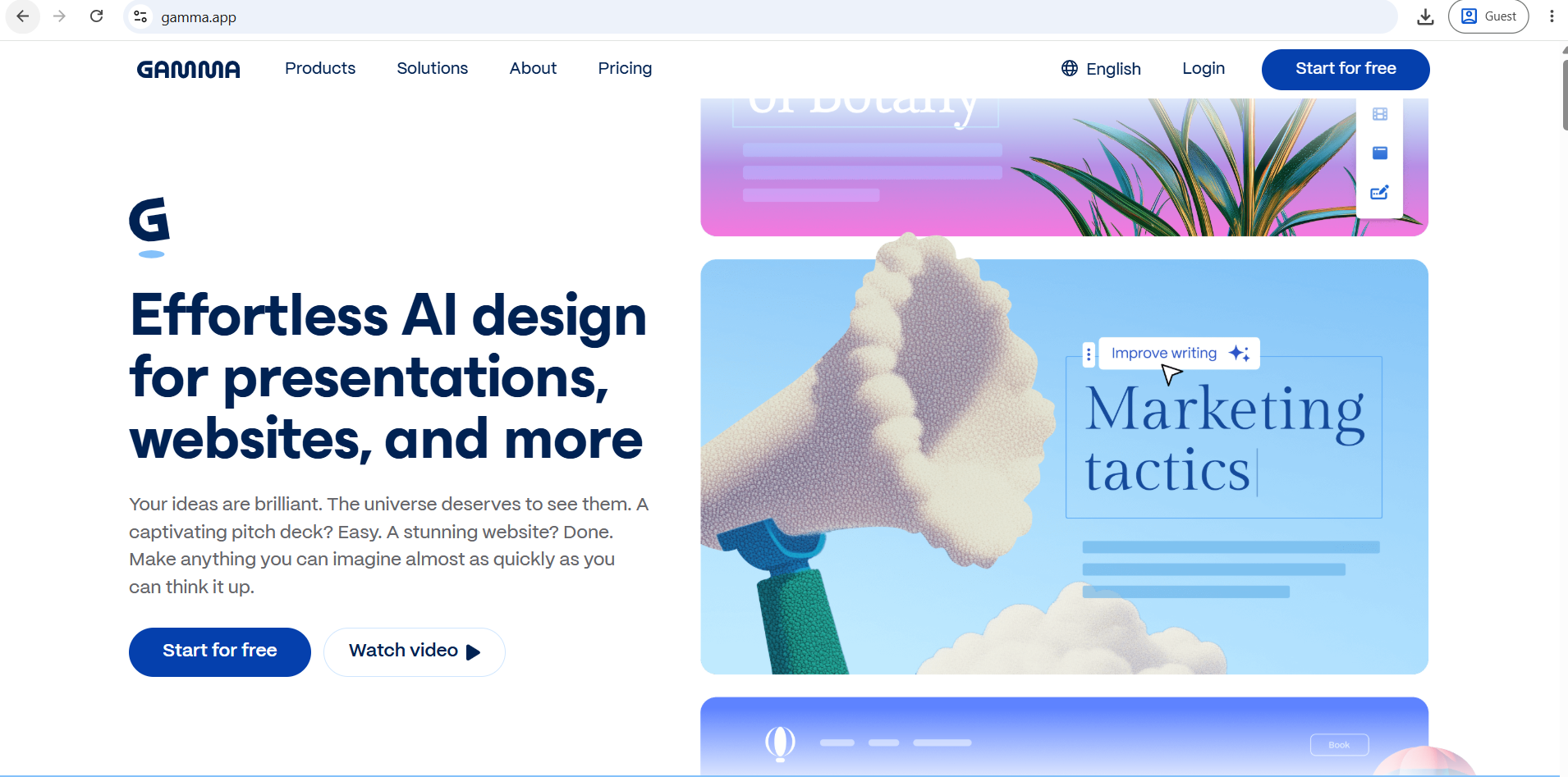
Gamma is the most widely used AI-native presentation tool in 2026. It generates a complete, polished deck from a text prompt in under 60 seconds. Its signature is the "card" — decks are scrollable web cards rather than fixed 16:9 slides, which look gorgeous in a browser and adapt on phones. For teams that share presentations as links rather than files, Gamma is hard to beat on speed and visual quality.
AI Presentation Generation
Gamma generates from prompts, pasted text, uploaded documents, or URLs. You can drop in a 20-page Google Doc and get back a 12-slide deck. The Gamma Agent (conversational mode) lets you refine the deck through back-and-forth instructions rather than starting over.
Design Quality
Strong out of the box. Gamma added image generation in March 2026. Layouts are clean, animations are smooth, and the web-shared output looks modern. The visual experience inside a browser is one of the best in the category.
Export Options
This is Gamma's most significant limitation. Gamma's own export behaves differently by mode — Classic-mode decks export as editable objects while Studio-mode cards come out as single flattened images with the text baked in, which is uneditable in PowerPoint. Multiple independent reviews confirm that one third-party test found exports are only about 30% editable, with 30 to 40% of slides flattening into images, and cleanup runs 20–30 minutes per deck.
Pros
- Fastest tool from prompt to presentable deck
- Excellent visual quality for web-shared presentations
- Can generate from documents, URLs, or prompts
- Engagement analytics on shared decks (views per card, time spent)
- Gamma added image generation capabilities in March 2026
Cons
- Free tier's 400 signup credits are a lifetime allocation, not monthly — most users exhaust them in their first few sessions
- PowerPoint export quality is the most consistent complaint across independent reviews
- Generic AI phrasing — industry-specific content needs manual rewriting
- Hallucination risk — always fact-check generated content before presenting
Pricing
Watermark removal and PowerPoint export require at least the Plus plan. Free (400 lifetime credits, Gamma watermark), Plus at ~$9–10/month, Pro at ~$19–20/month, Team at $20/user/month. Verify current pricing at gamma.app.
Beautiful.ai
Overview
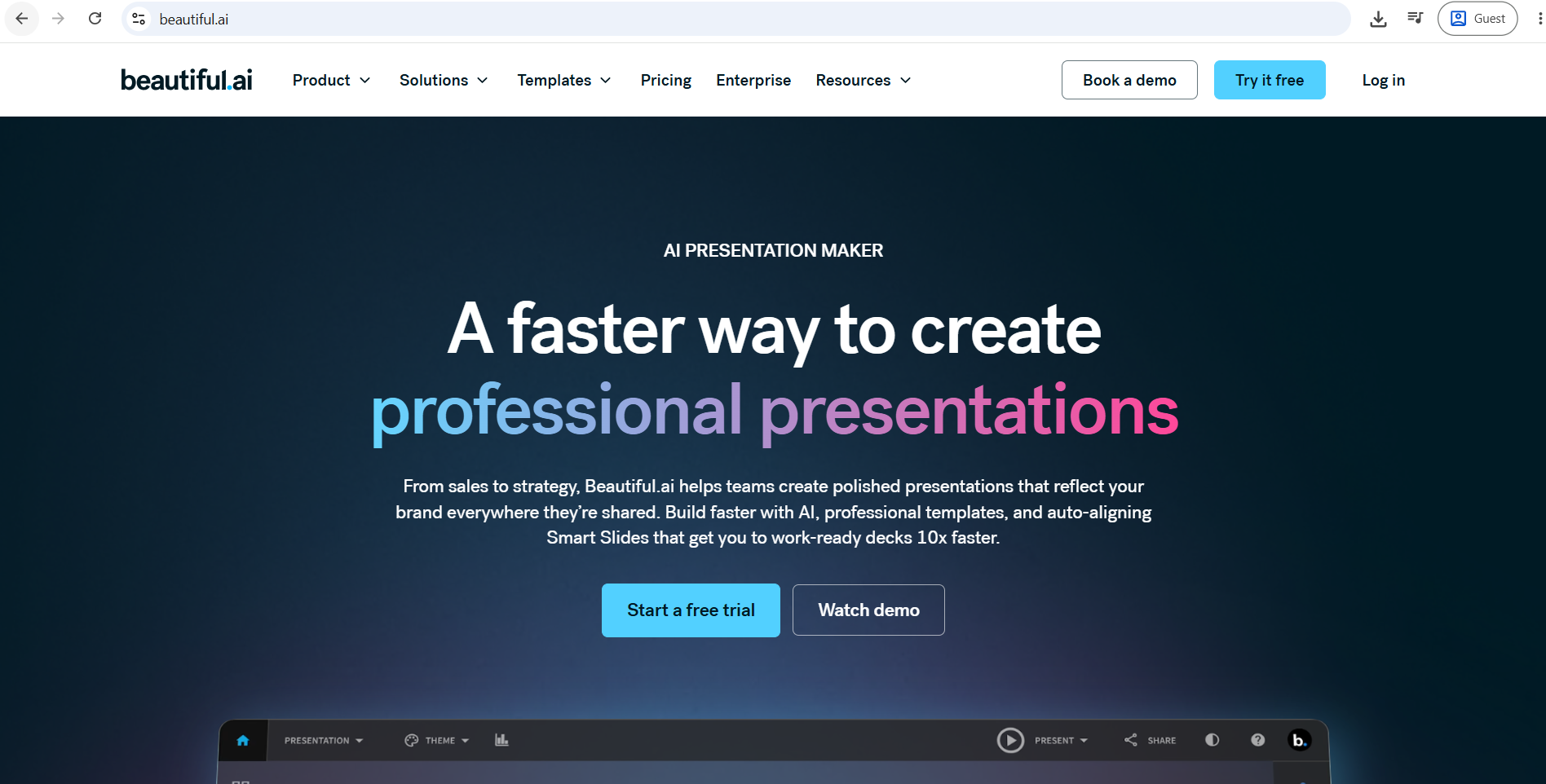
Beautiful.ai is built around one principle: AI should handle the design so you focus on the story. Every slide uses Smart Slide technology — an auto-layout engine that adjusts spacing, alignment, typography, and visual hierarchy as you add content. Unlike Gamma's one-shot generation, Beautiful.ai's March 2026 Context-Aware AI Workflow drafts the outline first so you review the narrative before committing to slide design.
AI Presentation Generation
The updated 2026 flow is outline-first. You review and approve the structure before the AI generates slide designs. This solves the common frustration of having to restructure a fully generated deck. You can start from a prompt, outline, or document.
Design Quality
Consistently the strongest in the category for layout cleanliness. The Smart Slide engine prevents misalignment and inconsistent spacing even when non-designers are adding content. Brand kit controls enforce your colors, fonts, and logo across every slide.
Export Options
Clean PowerPoint export — this is where Beautiful.ai pulls ahead of Gamma for teams that work in .pptx files. The layout engine's structured approach translates more reliably to PowerPoint than Gamma's card-based format.
Pros
- Design consistency without manual formatting work
- Brand kit enforces visual standards across all team presentations
- Cleaner PowerPoint export than Gamma
- Useful for teams where multiple non-designers create client-facing decks
- Outline-first AI workflow (March 2026) gives you narrative control before design
Cons
- No permanent free plan — Beautiful.ai's free tier is a 14-day trial
- Pro plan at $12/month; Team at $40/user/month — expensive for larger teams
- AI content generation is less polished than Gamma's on the first pass
- Limited chart and data visualization options
Pricing
No free plan (14-day trial). Pro at $12/user/month (annual). Team at $40/user/month (annual). Verify at beautiful.ai.
Canva AI (Magic Design for Presentations)
Overview
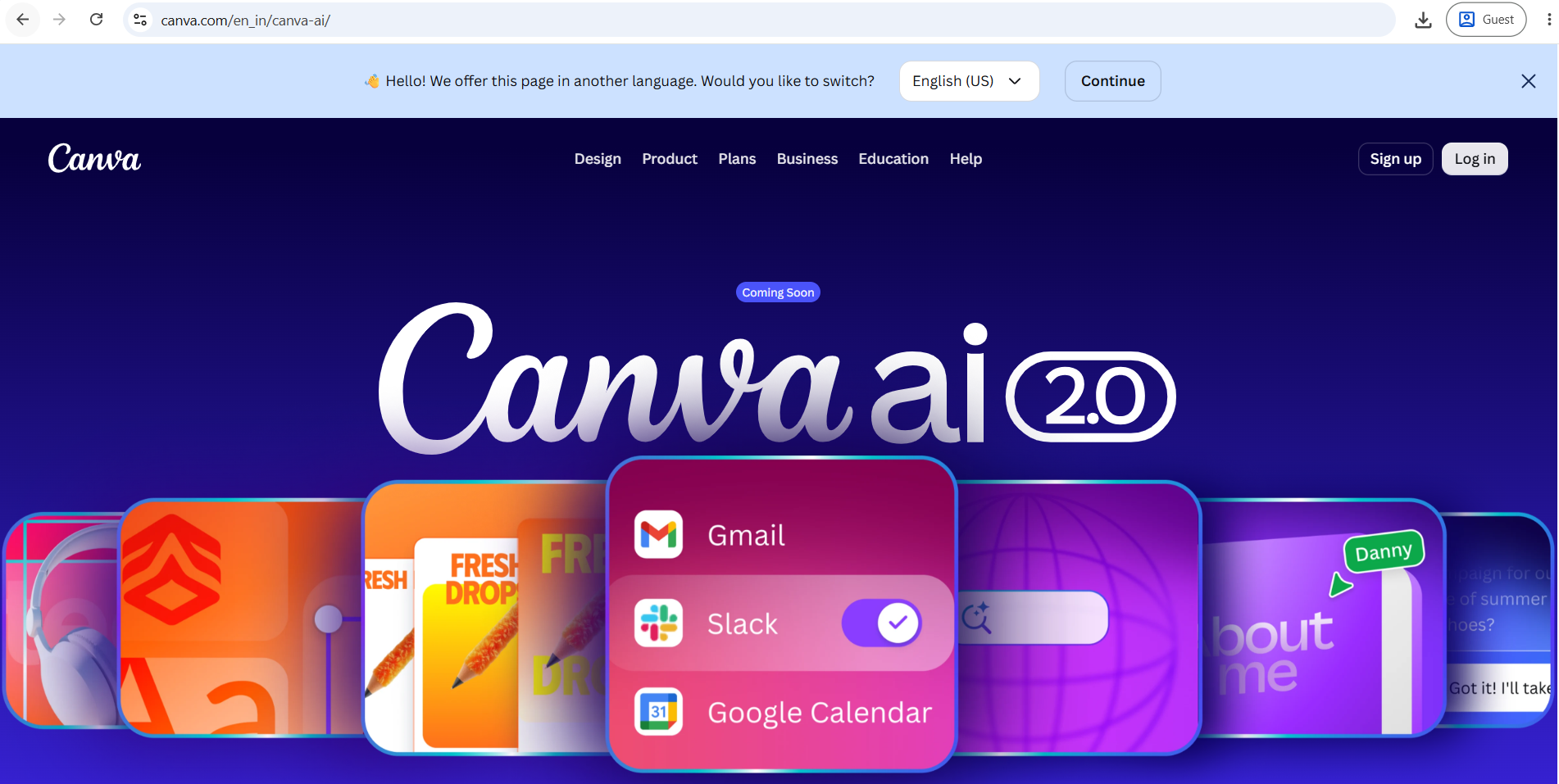
Canva is the most flexible option for non-designers who want creative control alongside AI assistance. Its free tier is genuinely useful — generous enough that many individuals never need to pay. Magic Design generates a full presentation from a prompt, and the vast template and image library means you rarely need to start from scratch.
AI Presentation Generation
Canva's Magic Design generates slides from a prompt and applies themed layouts from its template library. You can also upload source documents or paste content to generate slides. The AI matches your content to existing Canva templates rather than generating entirely novel layouts.
Design Quality
Wide variety — from playful and creative to clean and corporate. The depth of the template library means there is almost always something close to what you need. AI image generation through Magic Media is built in.
Export Options
PowerPoint export is available but, as with most web-native tools, Canva layouts can break during conversion, particularly for complex designs with custom fonts. PDF export is clean and reliable. Presentations can also be shared as links.
Pros
- Most generous permanent free plan in the category
- Enormous template and stock image library
- AI image generation built in
- Social media repurposing — easily turn slides into graphics or carousels
- Works well for marketing, education, and content creation
Cons
- PowerPoint export can produce font and layout inconsistencies
- Data visualization capabilities are limited compared to PowerPoint or dedicated tools
- "Canva aesthetic" can make presentations look recognizable rather than unique
- Less suited for complex business or technical presentations
Pricing
Free (robust, no expiry, generous templates). Pro at $12.99/month. Teams at $10/user/month. Verify at canva.com.
Microsoft PowerPoint + Copilot
Overview
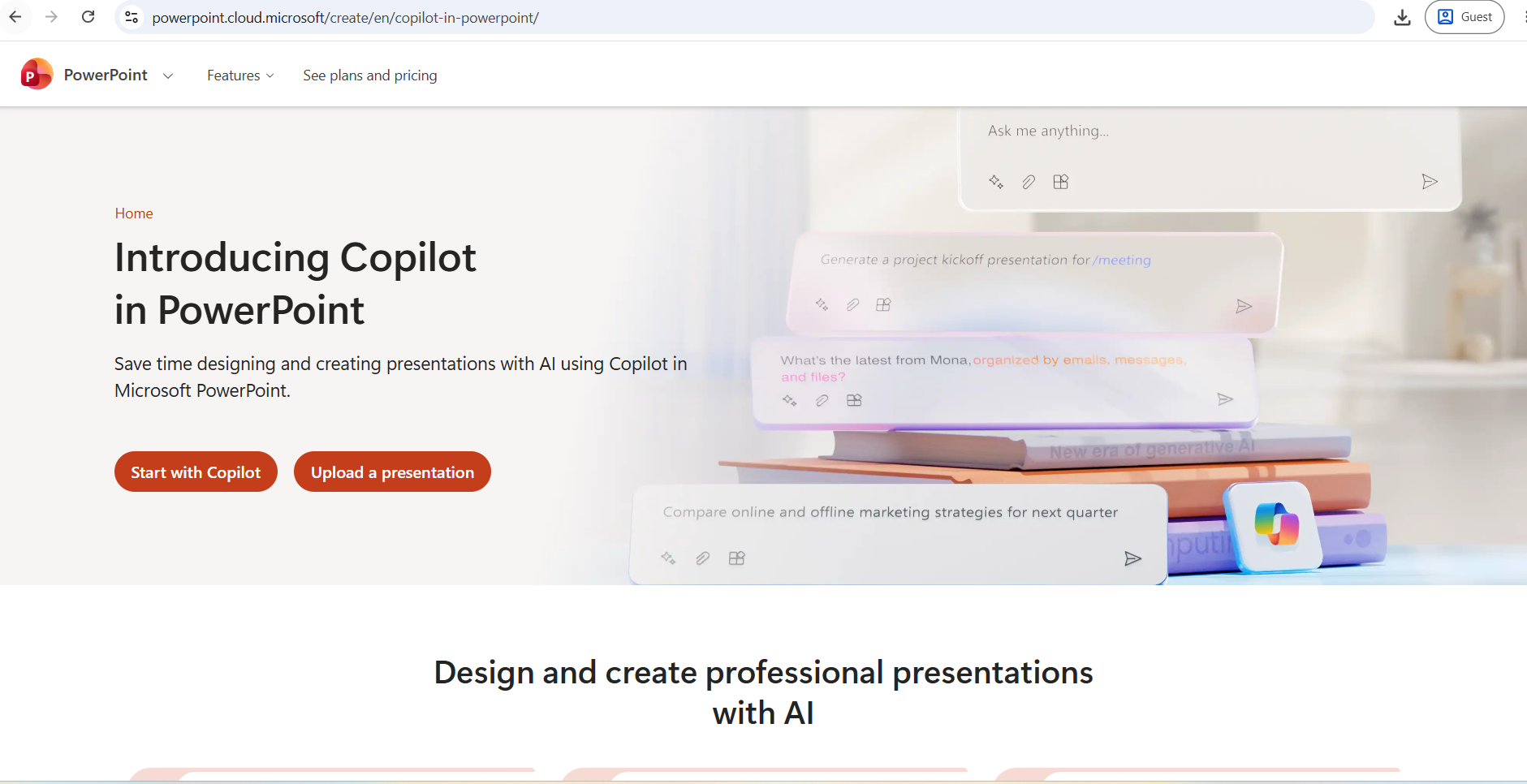
Microsoft Copilot inside PowerPoint is the right choice for organizations already deep in the Microsoft 365 ecosystem. GPT-5.4 Thinking now powers PowerPoint Agent Mode in 2026, which means you can generate a full deck from a prompt or a Word document, rewrite content, reformat slides, and insert visuals — all through natural language instructions.
AI Presentation Generation
Copilot helps generate presentation drafts with speaker notes, images, and controls for length, tone, and style directly inside PowerPoint. It also generates decks from existing Word documents, which is valuable for organizations that draft content in Word before designing slides.
Design Quality
Functional and professional, but safe. The output still leans toward safe, corporate-looking layouts. It lacks the visual flair of Gamma or Beautiful.ai, but the slides are clean and editable.
Export Options
No export needed — output is native .pptx. Every element is editable. This is Copilot's single most important practical advantage over web-native tools.
Pros
- Zero export friction — output is a fully editable PowerPoint file
- Works within familiar software — no new tool to learn
- Agent Mode rewrites, reformats, and inserts visuals from conversational commands
- Deep integration with Word, Teams, and OneDrive
- Consistent with enterprise IT and security requirements
Cons
- There is no free tier for the business version of Copilot. It requires an existing Microsoft 365 Business or Enterprise license, plus an additional $30 per user per month
- Layout quality is conservative compared to dedicated AI design tools
- Limited outside the Microsoft ecosystem
Pricing
Microsoft 365 Business subscription required, plus Copilot at approximately $30/user/month. Verify at microsoft.com.
Plus AI
Overview
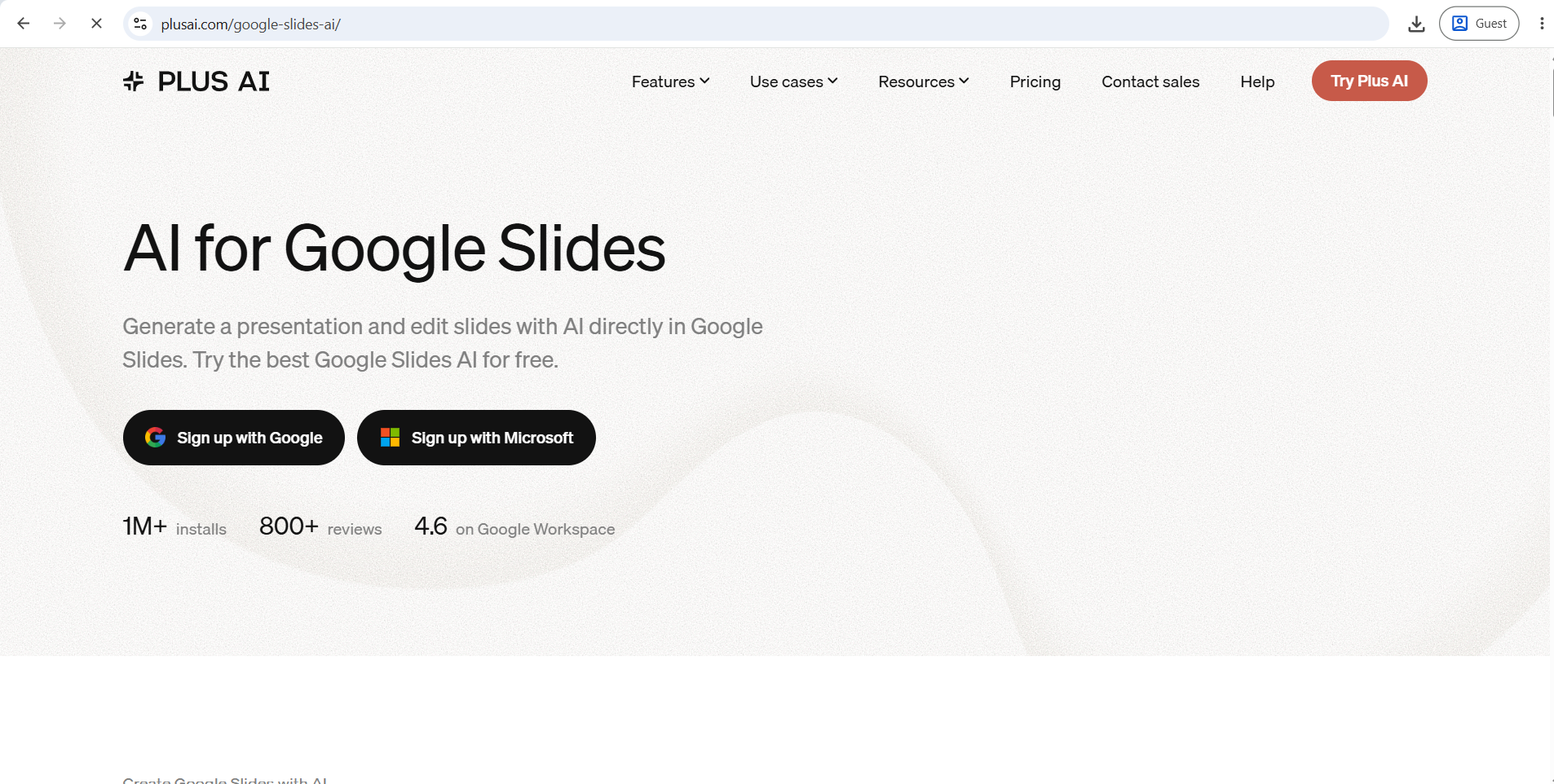
Plus AI takes a fundamentally different approach from all the standalone tools. Instead of building a standalone presentation platform, Plus AI operates as a native add-on for Google Slides and Microsoft PowerPoint. Your presentations stay in your existing workspace. No export, no format conversion, no compatibility issues.
AI Presentation Generation
You give Plus AI a text prompt, upload a PDF or document, or paste content, and it generates a structured slide deck directly inside your Google Slides or PowerPoint file. With over 1 million installations and a 4.6-star rating on the Google Workspace Marketplace, it has demonstrated reliable real-world performance.
Design Quality
Strong for native integration. Layouts are clean and practical rather than visually striking. The trade-off for staying inside your existing software is that you do not get the more innovative design systems of Gamma or Beautiful.ai.
Export Options
None needed. The output is already a native Google Slides or PowerPoint file with fully editable elements.
Pros
- Works inside Google Slides and PowerPoint — zero export friction
- Generates from prompts, PDFs, Word docs, and pasted content
- No new workspace or login to manage
- Brand template integration — uses your existing slide templates
- Clean editable output every time
Cons
- No free plan (trial of approximately 7 decks)
- Visual design is more limited than standalone AI tools
- Requires understanding of Google Slides or PowerPoint to get the most from it
Pricing
Approximately $10–$20/month depending on plan. Verify current pricing at plusai.com.
Pitch
Overview
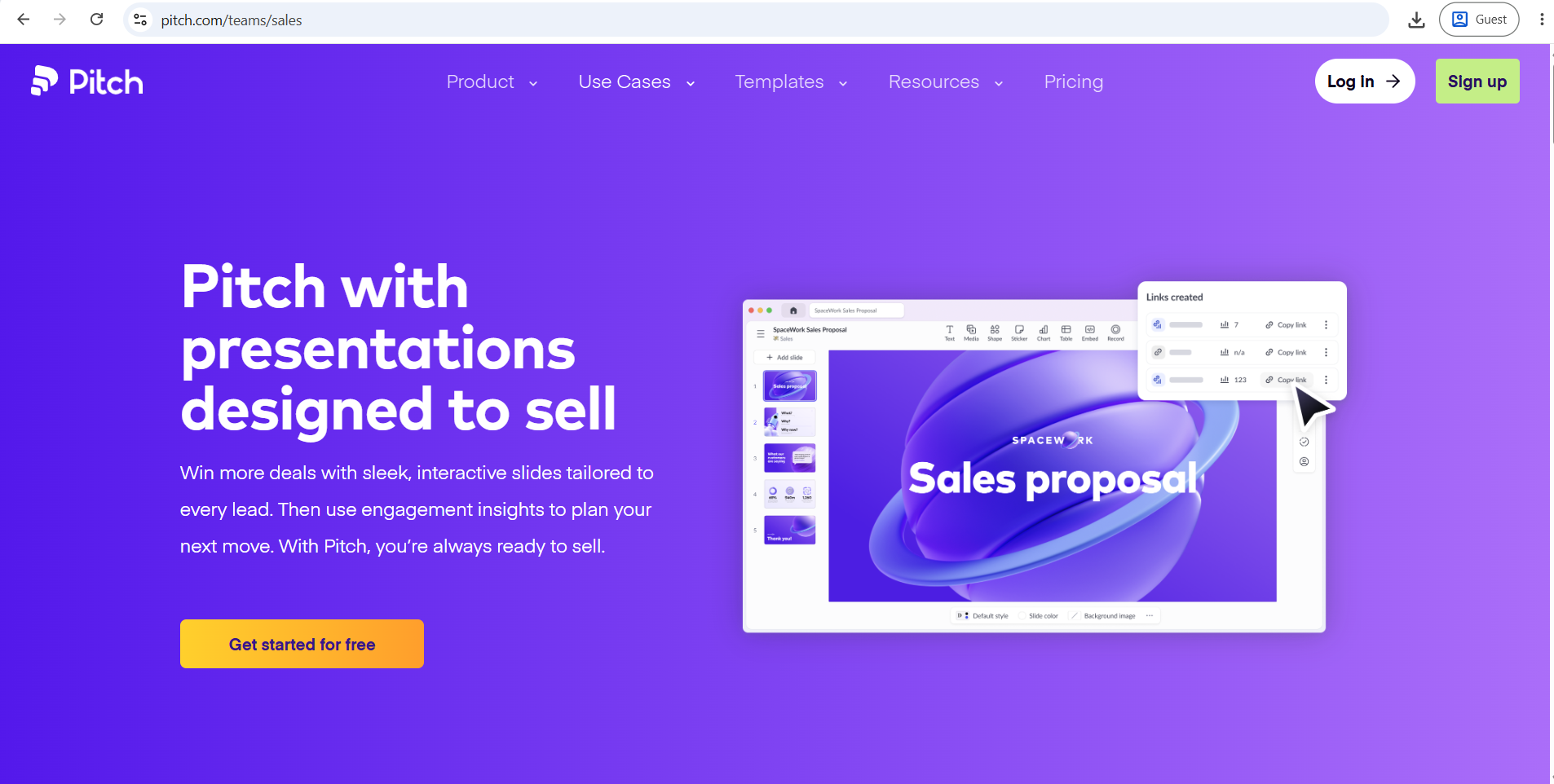
Pitch is a collaborative presentation tool that layers AI generation on top of a strong team editing and brand management experience. Share a deck through Pitch's platform and you can see who viewed it, how long they spent on each slide, and where they dropped off. For sales teams that send pitch decks digitally and need to track prospect engagement, this is a meaningful capability.
AI Presentation Generation
In 2026, Pitch's Pro plan includes 25+ AI actions — checking slides against your brand tone, personalizing for an audience, editing images, proofreading, generating speaker notes, and turning decks into social media or sales emails.
Design Quality
Professionally designed templates with strong brand consistency controls. Pitch's brand fidelity stood out in testing — the AI generates decks from your real templates and layouts rather than dropping your colors onto generic slides.
Pros
- Engagement analytics show which slides hold viewer attention
- 25+ AI actions for refining and repurposing decks
- Strong real-time collaboration
- Best for brand-consistent decks in sales contexts
- Deck-to-email and social repurposing built in
Cons
- Pitch's analytics only work when sharing through its own platform
- Team pricing escalates quickly ($80/month for business plans)
- Manual element placement — you're adjusting sizing and spacing yourself
- PowerPoint export loses interactive features
Pricing
Free (100 AI credits one-time). Pro at $20/month (annual). Business at $80/month. Verify at pitch.com.
Google Slides + Gemini
Overview
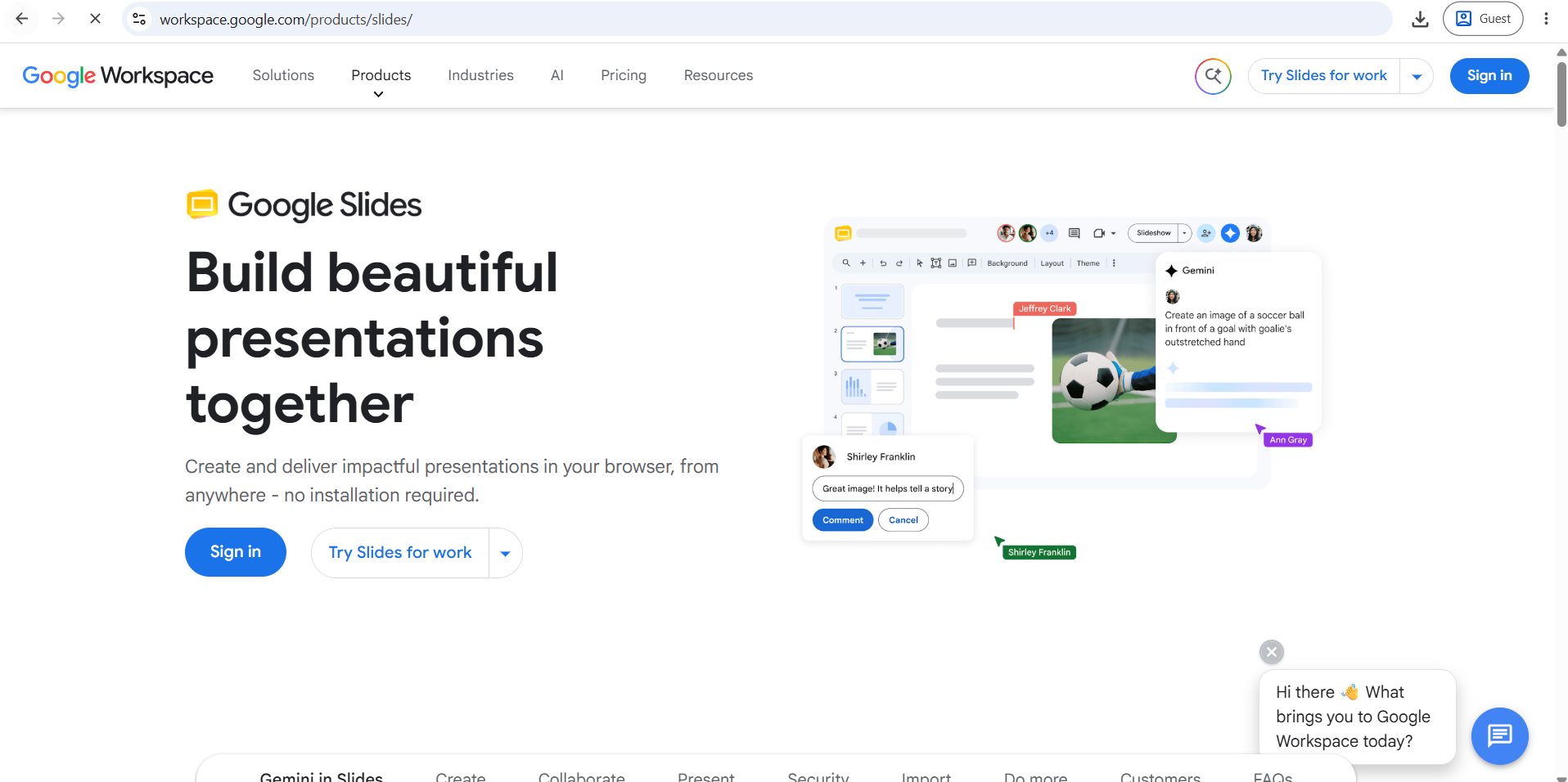
Google dropped the standalone Gemini add-on in 2026 and now bundles Gemini into Business Standard, Plus, and Enterprise Workspace tiers. If your organization already pays for a qualifying Google Workspace plan, Gemini in Google Slides may be available at no additional cost.
AI Presentation Generation
Google Slides with Gemini can generate slides from prompts and help create new slides from Drive content inside Google Slides. The output lands in Google Slides, so you get the full collaborative editing experience.
Design Quality
The generation quality is functional. You get themed slides with images and formatted text, but the visual sophistication is a step below dedicated AI presentation tools. The real advantage is ecosystem — if your team lives in Google Workspace, there is no context-switching.
Pros
- Zero additional cost if already on a qualifying Workspace plan
- Output is native Google Slides — fully editable and shareable instantly
- Best real-time collaboration of any presentation tool
- No new software to learn
Cons
- Visual quality does not match dedicated AI presentation tools
- Gemini features require Workspace Business Standard, Plus, or Enterprise — not free personal accounts
- Full deck generation from a single prompt is still rolling out to all tiers
- Less useful for complex or visually demanding presentations
Pricing
Included with qualifying Google Workspace plans. Business Standard at approximately $14/user/month. Verify at workspace.google.com.
SlidesAI.io
Overview
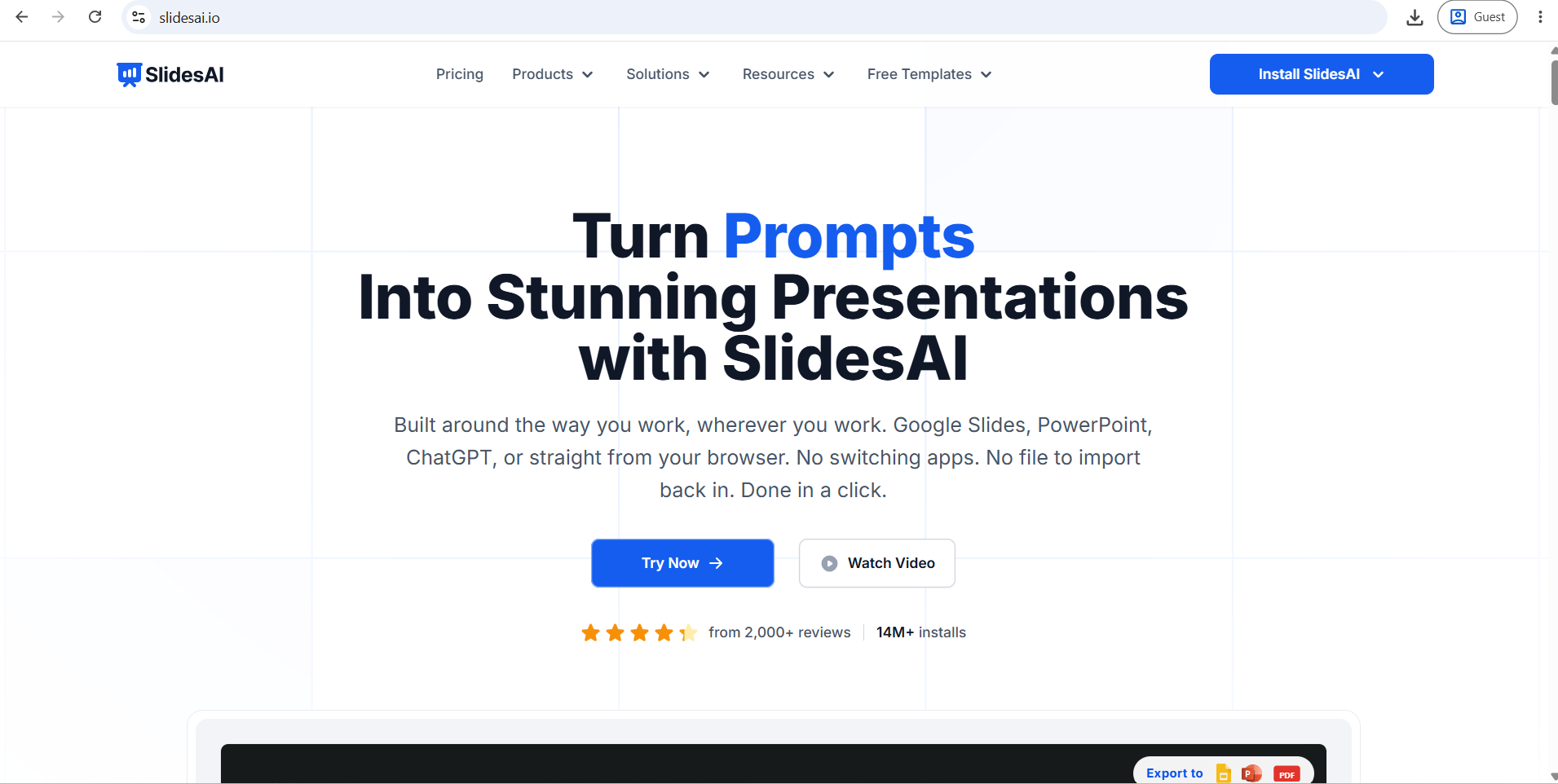
SlidesAI.io is a budget-friendly Google Slides add-on that generates slides from text or a topic prompt inside your existing Google Slides workspace. It is simpler than Plus AI but significantly cheaper, making it a practical option for educators and individuals.
AI Presentation Generation
Paste text or enter a topic, and SlidesAI generates slides with layouts and basic content directly in Google Slides. The free tier provides 3 presentations per month. The Pro plan at $10/month (monthly) gives 10 presentations per month, and the Premium plan at $20/month gives unlimited presentations.
Pros
- Very affordable entry price
- Works natively inside Google Slides
- Useful free tier for occasional users
- Straightforward setup
Cons
- Content quality is more basic than higher-tier tools
- Limited design sophistication compared to Beautiful.ai or Gamma
- Monthly presentation limits even on paid plans
- Fewer AI actions than Plus AI
Pricing
Free (3 presentations/month). Pro at $10/month. Premium at $20/month. Verify at slidesai.io.
Best AI Presentation Tools by Use Case
| Use Case | Recommended Tool |
|---|---|
| Best Overall | Gamma (web-first) / Plus AI (file-first) |
| Best Free Option | Canva AI |
| Best for PowerPoint | Microsoft Copilot or Plus AI |
| Best for Google Slides | Plus AI or Google Slides + Gemini |
| Best for Business Presentations | Beautiful.ai or Microsoft Copilot |
| Best for Startup Pitch Decks | Pitch or Gamma |
| Best for Sales Presentations | Pitch (engagement analytics) |
| Best for Education | Canva AI or SlidesAI.io |
| Best for Students | Canva AI (free) |
| Best for Teachers | Canva AI or SlidesAI.io |
| Best for Marketing | Canva AI |
| Best for Data-Heavy Decks | PowerPoint + Copilot |
| Best for Design Quality | Beautiful.ai |
| Best for Brand Consistency | Beautiful.ai or Pitch |
| Best for Team Collaboration | Pitch or Google Slides + Gemini |
| Best for Converting Documents to Slides | Gamma or Plus AI |
| Best for Speed | Gamma |
| Best Value for Money | Canva AI (free) / Plus AI (teams) |
Best Free AI Presentation Tools
Canva AI offers the strongest permanent free plan. You get access to thousands of templates, Magic Design for AI-generated presentations, and Magic Media for AI image creation. The free plan does not expire and does not cap the number of presentations. Canva branding appears on some templates.
Gamma gives 400 lifetime credits on the free plan. That sounds generous, but a typical 10-slide deck consumes around 40 credits per generation, and each AI edit adds more. Most users exhaust the free credits within a few sessions. The Gamma watermark appears on shared decks and PowerPoint exports on the free plan.
Google Slides + Gemini is free in the sense that many users already pay for Google Workspace. The AI features are not available on personal free accounts — they require a qualifying Business or Enterprise plan.
SlidesAI.io offers 3 AI-generated presentations per month for free inside Google Slides — useful for occasional users.
Pitch gives 100 one-time AI credits on the free plan, which covers initial exploration.
The pattern across free plans is the same: generous enough to evaluate the tool, but structured to encourage upgrade for regular professional use.
PowerPoint Users vs. Google Slides Users
If You Work in PowerPoint
Your best options are Microsoft Copilot (zero export issues, full AI generation inside PowerPoint, requires M365 + Copilot license) and Plus AI (works as a native PowerPoint add-in, generates from prompts or documents, no export needed, more affordable than Copilot for individuals).
If you want to use a standalone tool like Gamma or Beautiful.ai, test the PowerPoint export with your specific content type before committing. Gamma's export quality is inconsistent; Beautiful.ai exports more cleanly.
If You Work in Google Slides
Plus AI is the strongest dedicated option — it generates inside Google Slides natively and has over a million installations with consistently positive reviews. SlidesAI.io is a cheaper alternative for simpler needs. Google Slides + Gemini is the right choice if your Workspace plan already includes it and you want to avoid an additional subscription.
The key principle for both platforms: if editable, shareable native files matter to your workflow, stay inside your existing software with an AI add-on rather than generating elsewhere and exporting.
AI Presentation Makers vs. Traditional PowerPoint
AI Presentation Makers
Advantages: Much faster initial deck, automated layout, AI content and images, no blank-slide paralysis, quick restyling
Disadvantages: Generated content is generic and often requires rewriting, all AI tools in the category have a documented tendency to invent statistics and attributes, PowerPoint export from web-native tools produces varying degrees of cleanup work, less granular layout control than traditional software
Traditional Presentation Software
Advantages: Maximum control over every element, familiar to every collaborator, exact formatting precision, no export step needed
Disadvantages: Slower initial creation, every design decision is manual, blank-slide anxiety is real for non-designers
The practical conclusion: use AI tools to get from blank to 70–80% in minutes, then use your editing time on the 20–30% that actually requires human judgment — the story, the specific data, the language that fits your audience.
Can AI Create a Complete Presentation From a Prompt?
Yes, but not one you should present without editing. Here is a practical workflow:
- Give the AI a clear audience — "a pitch deck for Series A investors in healthcare" produces better output than "a pitch deck"
- State the presentation goal — inform, persuade, or motivate are different structures
- Provide source material if you have it — upload a document rather than relying on the AI's general knowledge
- Generate an outline first — review the structure before committing to slides
- Generate slides from the approved outline
- Fact-check everything — especially statistics, dates, and specific claims
- Replace generic visuals with ones relevant to your topic and audience
- Rewrite key slides in your own voice
- Add speaker notes for anything that needs explanation
- Export and check the file if your audience will receive a PowerPoint or PDF
The AI handles the structure and design work efficiently. The story, accuracy, and specificity are still yours to manage.
Common Problems With AI-Generated Presentations
Too much text per slide. AI tools often write slides like documents. Reduce every slide to one idea and a few supporting points.
Generic visuals. Stock images that match the general topic rather than your specific point. Replace them where it matters.
Invented facts. AI presentation tools can generate plausible-sounding but incorrect information, including non-existent rulings, wrong statistics, and false attributions. Always verify before presenting.
Repetitive layouts. Many tools use a small set of template types on rotation. Varying the structure manually improves the experience for the audience.
Weak storytelling. A deck that covers the right topics in the wrong order is still a weak deck. Review the narrative flow before finalizing.
Export inconsistencies. Test your exported file before the day you need it. Fonts, layouts, and image positions sometimes shift during conversion.
10 Tips for Creating Better AI Presentations
- Define the audience before you type the prompt — it shapes every content decision the AI makes
- State the goal of the presentation — the AI produces different structures for "explain" versus "persuade"
- Upload source material rather than asking the AI to generate from memory
- Set a slide limit — 10 to 15 slides forces focus and prevents bloat
- Review the outline before the AI builds slides — changing the structure is easier than rebuilding individual slides
- Edit for one idea per slide — AI tends toward more text than a slide needs
- Fact-check every statistic and claim — check against your source, not the AI's confidence
- Replace the images that do not fit — generic visuals weaken specific points
- Export to your delivery format early — discover formatting issues before the day of the presentation
- Practice before presenting — AI builds the deck, but you deliver it
Which AI Presentation Tool Should You Choose?
Business professional — If you're in Microsoft 365, Copilot is the cleanest workflow. If you want a simpler and more affordable option across both platforms, Plus AI.
Student — Canva AI's free plan covers most student presentation needs without a subscription.
Teacher — Canva or SlidesAI.io for budget-friendly creation inside familiar tools. Canva is stronger for design quality.
Startup founder — Gamma for speed when pitching a lot and sharing as links. Pitch if you want engagement analytics on who's reading your deck and for how long.
Sales professional — Pitch for branded decks with viewer tracking. Plus AI if your team works in PowerPoint and needs quick, editable decks without platform-switching.
Marketer — Canva for campaign materials, social repurposing, and brand design flexibility.
Consultant — Plus AI (stays inside PowerPoint, generates from client documents) or Beautiful.ai (enforces clean design standards across multiple decks).
Researcher — Gamma or Plus AI for converting documents or reports into structured slide decks quickly.
Corporate team — Beautiful.ai for brand enforcement across multiple non-designer presenters. Microsoft Copilot for enterprises standardized on Microsoft 365.
Freelance designer — Canva for creative control and client-facing variety. Gamma for fast first drafts that clients can share as links.
Budget-conscious user — Canva free plan for most needs, Google Slides + Gemini if already on a qualifying Workspace plan.
Frequently Asked Questions
Conclusion
No single AI presentation tool works best for everyone in 2026.
Gamma is the fastest path from a prompt to a polished deck, and the right choice when the final deliverable is a shared link rather than a PowerPoint file.
Beautiful.ai is the strongest option for teams that need consistent, brand-aligned slides across multiple presenters without relying on individual design skills.
Canva AI is the best free option and the most flexible for creative and marketing work, with the widest template and image library.
Microsoft Copilot is the clear choice for organizations already on Microsoft 365 that need AI-generated slides in native PowerPoint format with zero export friction.
Plus AI is the most practical option for individuals and teams who want AI generation inside their existing Google Slides or PowerPoint workflow at a lower cost than Copilot.
Pitch earns its place for sales-focused teams that need both a strong deck-creation experience and engagement analytics on shared presentations.
Use AI tools to eliminate the blank-page problem and handle repetitive design work. Keep the story, the facts, the audience, and the final review in human hands. The best presentation in 2026 is still the one that clearly communicates your point — AI just helps you get there faster.
Pricing and features listed here are based on publicly available information as of mid-2026. Plans change frequently. Always verify current details on each vendor's official website before purchasing.