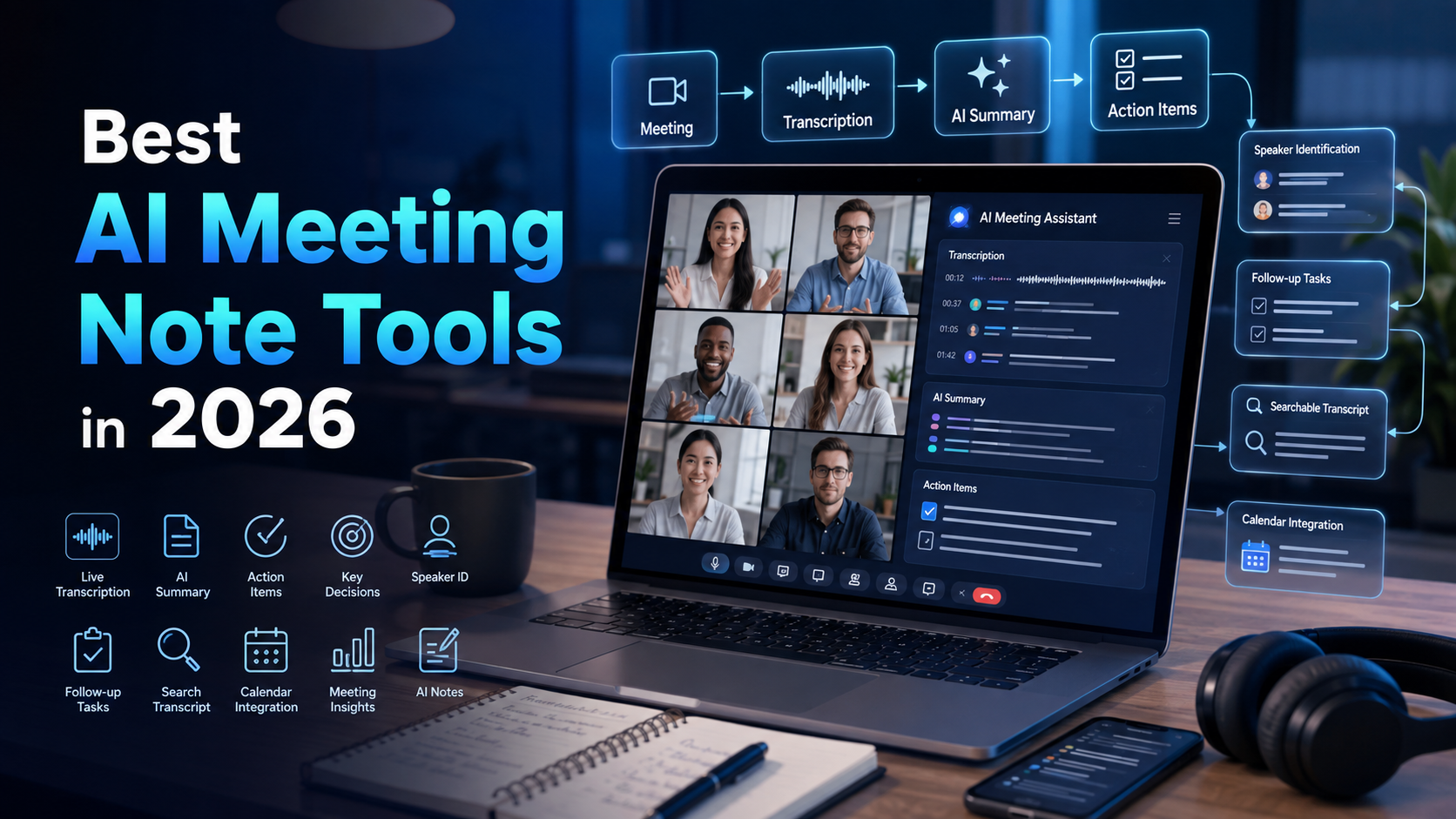
If you spend several hours a week in meetings, you already know the problem. Someone makes a decision at minute 14, a deadline gets mentioned at minute 32, and by the time you get back to your desk, half of it is gone. AI meeting note tools exist to close that gap — they record, transcribe, summarize, and extract action items so you can stay in the conversation rather than managing a notepad.
The market has grown significantly. There are now tools for every budget, platform, and workflow. Some join your meeting as a visible bot. Others capture audio silently in the background. Some are built into the meeting software you already pay for. Choosing the wrong one wastes money; choosing the right one saves hours every week.
This guide covers the top tools in 2026, explains the important differences between approaches, and helps you find the right fit for your situation.
Quick Comparison Table
| Tool | Best For | Capture Method | Zoom | Meet | Teams | Free Plan | Starting Price |
|---|---|---|---|---|---|---|---|
| Granola | Individuals, privacy | Bot-free (local audio) | ✓ | ✓ | ✓ | Yes (limited history) | $14/user/mo |
| Fathom | Individuals, Zoom users | Meeting bot | ✓ | ✓ | ✓ | Yes (5 AI summaries/mo) | $16/user/mo |
| Fireflies.ai | Sales teams, integrations | Meeting bot | ✓ | ✓ | ✓ | Yes (800 min/mo) | $10/user/mo |
| Otter.ai | Collaboration, education | Meeting bot | ✓ | ✓ | ✓ | Yes (300 min/mo) | $8.33/user/mo |
| tl;dv | Sales, video clips | Meeting bot | ✓ | ✓ | ✓ | Yes (10 AI notes/mo) | $18/user/mo |
| Zoom AI Companion | Zoom-only teams | Built-in | ✓ | — | — | No (requires paid Zoom) | Included |
| Google Meet Gemini | Google Workspace users | Built-in | — | ✓ | — | Workspace-dependent | Workspace plan |
| MS Teams Copilot | Teams-centric orgs | Built-in | — | — | ✓ | No | $10/user/mo (Teams Premium) |
*Pricing sourced from official pages and verified as of mid-2026. Always check vendor sites before purchasing, as plans change.*
What Is an AI Meeting Note Tool?
An AI meeting note tool records your meeting audio, converts speech to text, identifies who said what, and produces a summary you can actually use.
A typical workflow looks like this: the tool joins or captures the meeting, transcribes the conversation in real time, labels each speaker, detects topics and decisions, pulls out action items, and delivers a structured summary when the meeting ends. Most tools also make the full transcript searchable so you can find any moment from any meeting later.
More advanced tools push notes into Slack, Salesforce, HubSpot, Notion, or your project management tool automatically. Some let you ask follow-up questions in plain language: "What did we agree on pricing?" and the tool finds the relevant moment.
What AI meeting tools do not do is produce a perfect record. Accents, background noise, overlapping speakers, and technical vocabulary all affect accuracy. You should always review important decisions before acting on them.
AI Meeting Bot vs. Bot-Free Meeting Notes
This is the most important distinction in 2026, and most comparison articles gloss over it.
| Feature / Trait | Meeting Bot | Bot-Free (Local Audio) |
|---|---|---|
| How it records | Joins as a visible participant | Captures system audio on your device |
| Visible to others | Yes — everyone sees it | No — nothing appears in the participant list |
| Platforms | Zoom, Meet, Teams (varies) | Any platform, any app |
| Automatic recording | Yes (calendar-triggered) | Often requires manual start |
| Works with headphones | Yes | Depends on implementation |
| Privacy concern | Cloud-processed from first audio | Local processing; varies by tool |
| Best for | Teams comfortable with visible recording | Client calls, sensitive conversations |
Meeting bots are convenient. They join automatically from your calendar, handle all recordings in the cloud, and work across platforms. The trade-off is visibility: every participant sees a "Fathom Notetaker" or "Fireflies Fred" in the list. That changes how people speak, especially in client-facing, HR, or sensitive conversations.
Bot-free tools like Granola capture audio directly from your computer without adding a participant. Nobody on the call sees anything unusual. The trade-off is that you often need to start recording manually, and some require you to be on the same device where the meeting audio plays.
Neither approach is universally better. The right choice depends on your context.
How We Evaluated These Tools
We assessed each tool across:
- Transcription accuracy in real meetings (not vendor claims)
- Summary quality and how well action items are extracted
- Speaker identification accuracy
- Meeting platform support
- Bot-free availability
- Integrations with CRMs and workplace apps
- Free plan limits
- Privacy and data handling practices
- Ease of setup and daily use
- Overall value at each price tier
A longer feature list does not make a better tool. Several highly featured products produce poorer summaries than simpler ones. We weighted output quality over feature count.
Best AI Meeting Note Tools in 2026
Granola
Overview
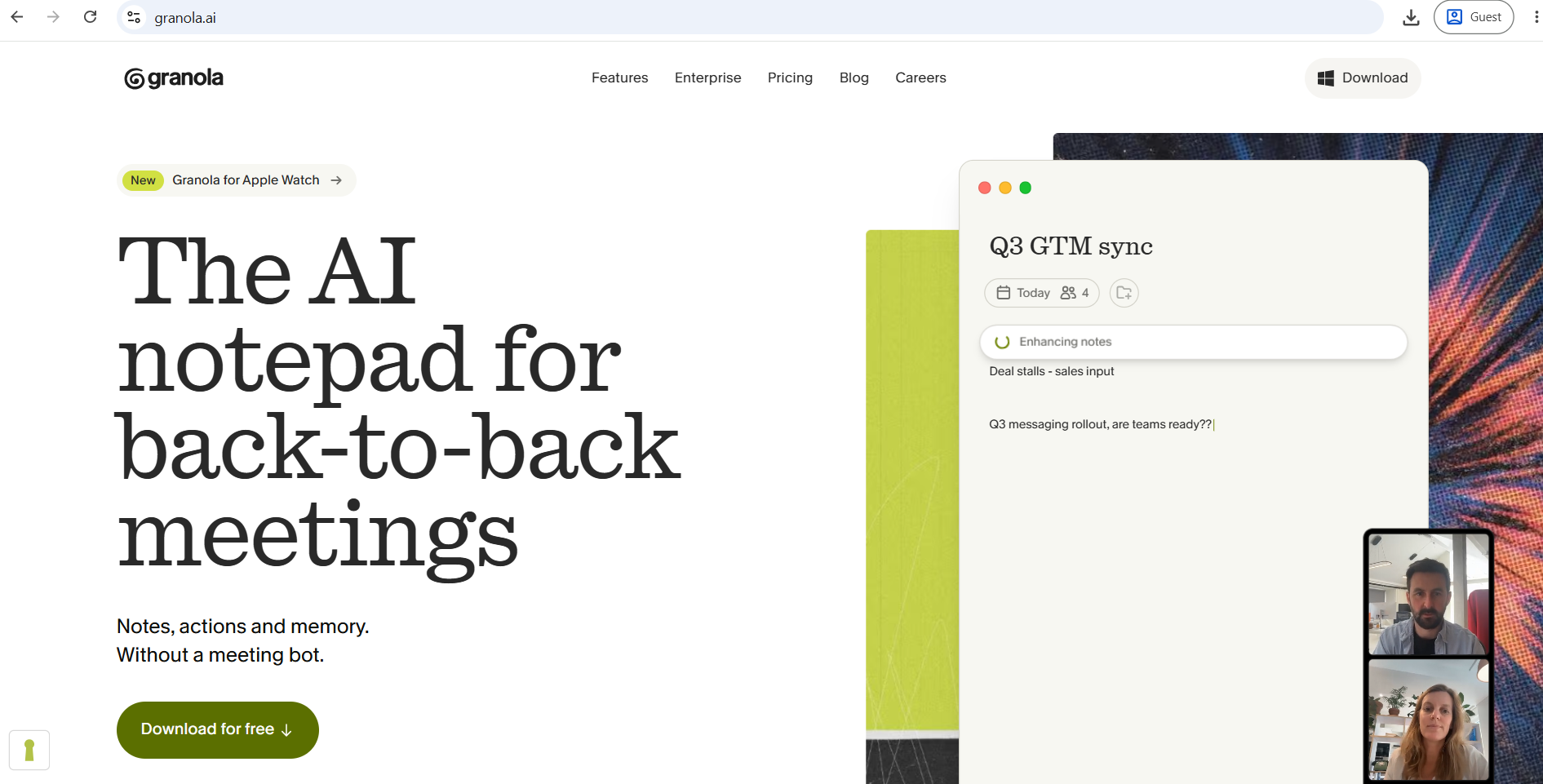
Granola is the most-discussed AI meeting tool of 2026, and with good reason. It raised $125 million at a $1.5 billion valuation in March 2026 and has built a loyal following among professionals who want clean notes without a bot entering their calls. It captures system audio from any call without a visible bot participant, runs on Mac, Windows, and iPhone, and generates structured meeting notes, action items, and AI chat context using OpenAI and Anthropic models.
How It Captures Meetings
Instead of dropping a recording bot into your call, it listens to your computer audio in the background and turns your rough notes into clean, structured summaries the moment the meeting ends. This means it works on Zoom, Google Meet, Teams, Webex, or any other meeting software you run on your device.
Pros
- No bot joins the call — no disruption to conversation dynamics
- Works on any meeting platform automatically
- Business plan at $14/user/month includes Notion, HubSpot, Slack, Zapier, and Attio integrations
- SOC 2 Type II certified
- iOS app added in 2026 for phone call transcription
Cons
- Manual start required before each meeting — notes are missed if you forget to start the recording
- Trains its AI on your data by default — you can opt out in settings, but org-wide opt-out requires Enterprise
- Free Basic plan gives unlimited meetings but only 30 days of history
- No video or audio recording stored — if the transcript misses something, you cannot play it back
Pricing
Three tiers: Basic (free) with limited meeting history, Business at $14/user/month with unlimited history and integrations, and Enterprise at $35/user/month with SSO, API access, and team-wide model training opt-out.
Fathom
Overview
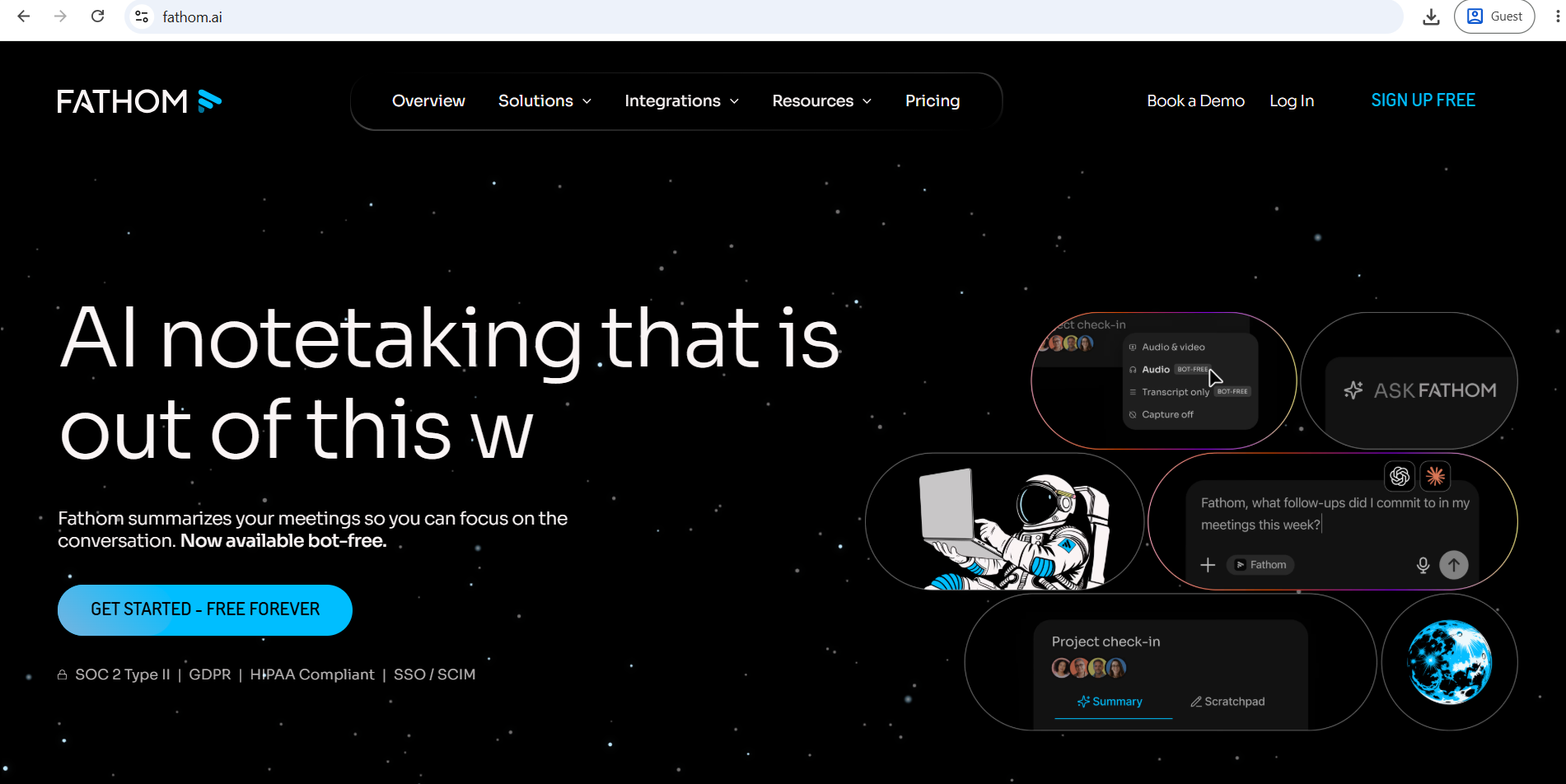
Fathom is widely regarded as the most generous free AI meeting tool available. The free tier gives you unlimited recordings, transcription, and storage with no time limit or credit card required. The catch is that advanced AI features, including formatted summaries, AI-generated action items, and the "Ask Fathom" chat, are limited to 5 calls per month on the free plan.
How It Captures Meetings
Like other meeting AI tools, Fathom uses a bot (named "[Your Name]'s Fathom Notetaker") that joins the call as a visible participant. Premium and Team users can rename the bot and remove Fathom branding, but participants will still see an additional attendee.
Pros
- Free plan is the most accessible in the category — no credit card, no time limit on recordings
- Strong summary quality with 15+ professional templates
- 90-day money-back guarantee on paid plans — the most generous in the category
- Works well on Zoom, Google Meet, and Microsoft Teams
- "Ask Fathom" lets you query your full meeting library by asking questions
Cons
- Fathom is free if you record a few meetings a month, but it costs $16/user/month the moment you want the good summaries on every call
- Works best with Zoom — occasional compatibility issues on Teams
- CRM sync (Salesforce, HubSpot) only available on Business plan
Pricing
Free (unlimited recordings, 5 AI summaries/month), Premium at $16/month (annual) for unlimited AI summaries, Team at $15/user/month (annual, 2-seat minimum), Business at $25/user/month (annual) with full CRM sync.
Fireflies.ai
Overview
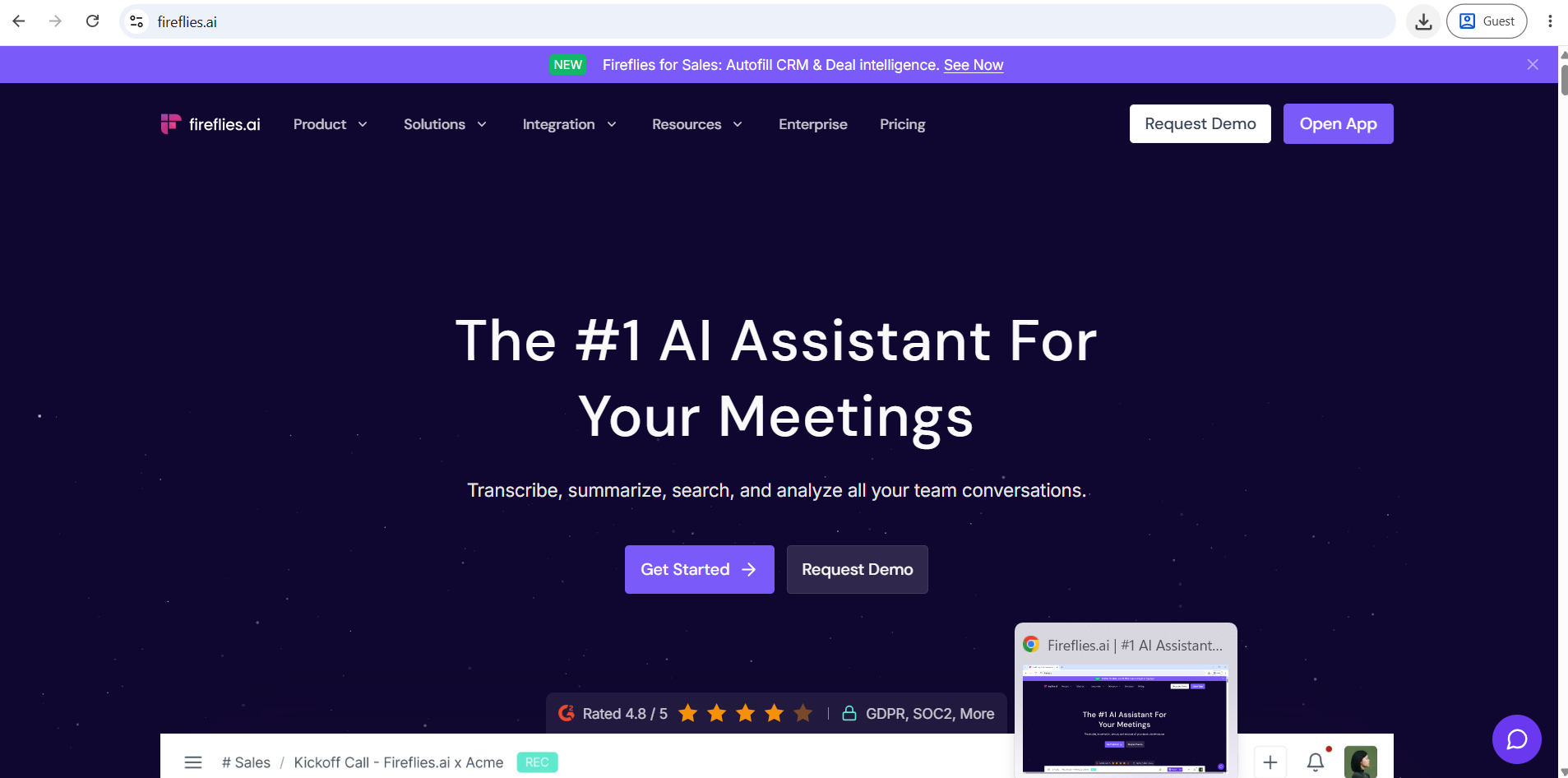
Fireflies is the integration powerhouse of the AI meeting category. It is an AI meeting assistant designed for teams that need transcription, intelligent summaries, and deep CRM integration. It joins virtual meetings across Zoom, Teams, Google Meet, and Webex, then generates customizable AI summaries with action items.
How It Captures Meetings
Fireflies joins as a bot (named "Fred") and begins recording automatically when triggered by your calendar. You can train Fireflies on industry terms, product names, and acronyms specific to your company, which improves transcription accuracy significantly.
Pros
- Transcribes in 100+ languages, with built-in auto-detect and mid-meeting language switching
- Native Salesforce and HubSpot integration — automatically logs call summaries to the correct deal or contact
- Best for sales teams that need call activity logged to CRM automatically
- Smart search across all past meetings
- 90+ app integrations including Zapier
Cons
- Free tier stores transcripts for only 3 months and limits you to 800 minutes
- The bot can be aggressive — it joins calls automatically by default, which can surprise participants
- Interface feels cluttered compared to simpler tools
Pricing
Free (800 min/month, 3-month transcript storage), Pro at $10/seat/month (annual), Business at $19/seat/month with unlimited storage and CRM sync, Enterprise custom.
Otter.ai
Overview
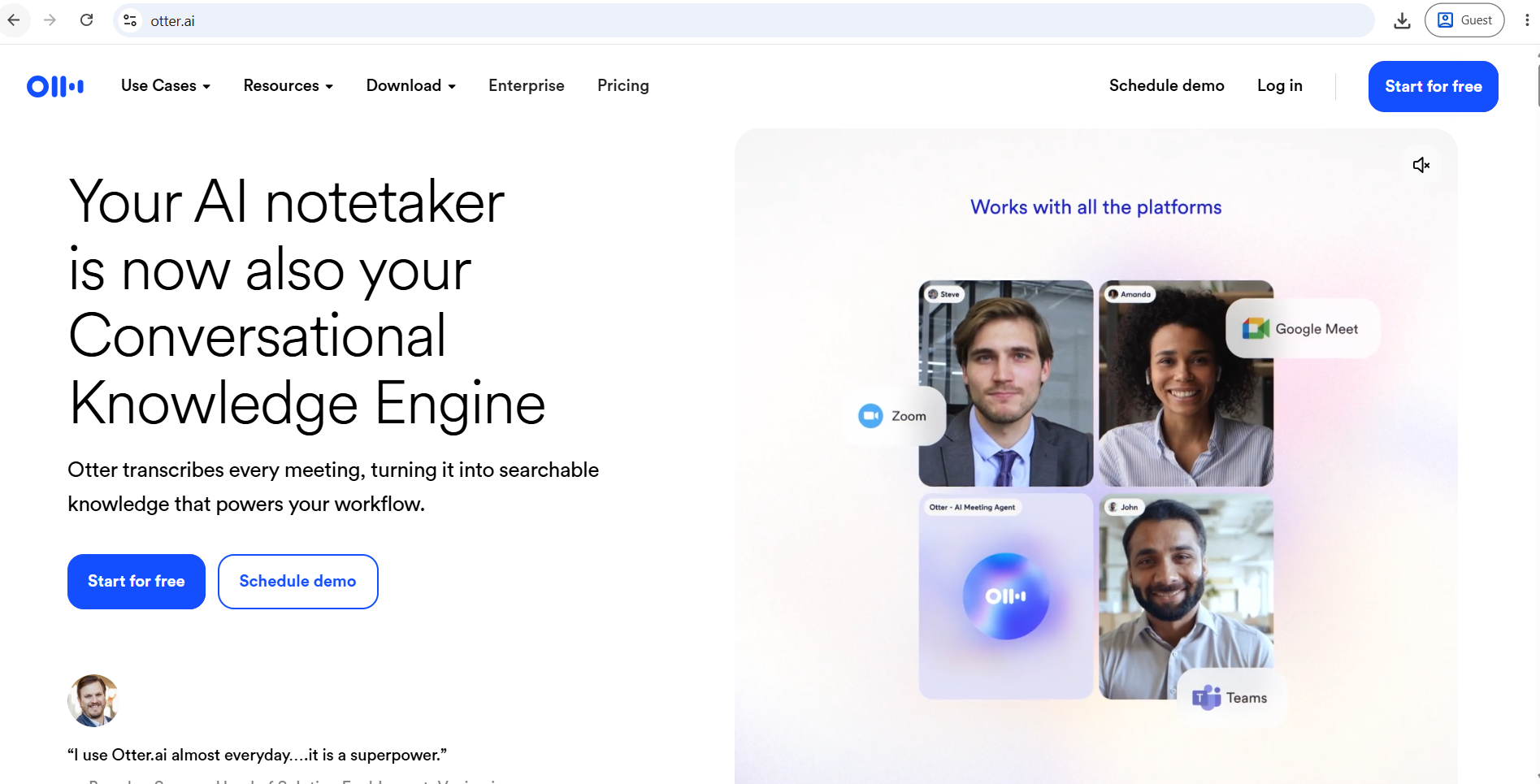
Otter.ai is one of the oldest and most recognizable names in meeting transcription. It is particularly strong for collaborative note-taking — multiple team members can view and edit the live transcript during a meeting. It integrates with Zoom, Google Meet, Teams, Slack, and Dropbox.
How It Captures Meetings
Otter uses OtterPilot, a bot that joins meetings from your calendar. It also offers a mobile app for recording in-person conversations.
Pros
- Real-time collaborative transcript — useful for teams who want to highlight things live
- Clean, readable interface
- Mobile app is one of the better ones in this category
- Free plan includes 300 minutes per month
Cons
- CRM integrations (HubSpot, Salesforce) only on Enterprise plan
- Language support has improved but is still more limited than Fireflies
- Free plan limits you to 300 minutes per month and 30 minutes per conversation
- Less powerful for sales team workflows
Pricing
Free (300 min/month, 30 min per conversation), Pro at $8.33/month (annual), Business at $20/month (annual), Enterprise custom.
tl;dv
Overview
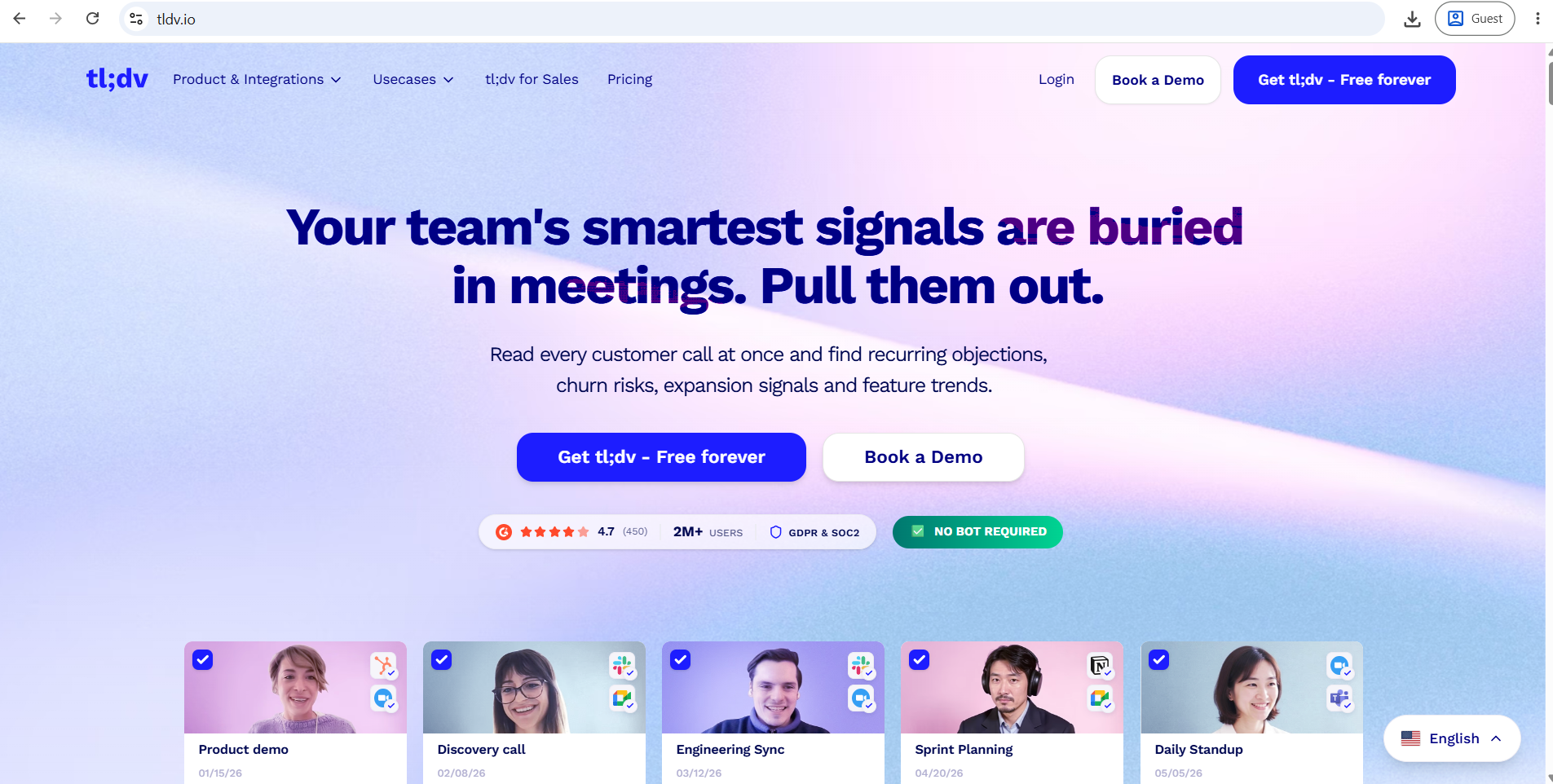
tl;dv (short for "too long; didn't view") started as a meeting recorder focused on video clips and has evolved into a sales intelligence platform. In 2026, tl;dv launched AI Agents for meetings, Multi-Meeting Intelligence for insights across hundreds of meetings, and Sales Coaching with playbook scoring.
How It Captures Meetings
tl;dv joins as a bot and supports Zoom, Google Meet, and Teams. The free plan allows unlimited recordings in Zoom and Google Meet.
Pros
- Most generous free plan for recording and video — unlimited recordings with transcription
- Excellent for creating and sharing short video clips from meetings
- Supports 40+ languages via OpenAI Whisper
- CRM and Slack integrations on paid plans
- Multi-meeting intelligence — spotting patterns across many calls
Cons
- Free plan only gives 10 AI summaries per month — unusable for active professionals
- Pro plan adds up fast for teams, and the Business tier is priced for sales organizations
- Feature complexity can feel like overkill for individuals
Pricing
Free (unlimited recordings, 10 AI summaries/month), Pro at $18/user/month (annual), Business at $59/user/month (annual). Verify current pricing at tldv.io as promotional discounts apply.
Built-In AI Meeting Notes vs. Standalone Tools
The most important question in 2026 is whether you need a separate tool at all.
Zoom AI Companion is included with all paid Zoom plans at no extra cost. It generates an Intelligent Summary and action items immediately after the meeting, requires zero setup, and also supports in-meeting questions without interrupting the call. Zoom AI Companion now captures meeting notes and automates workflows across Microsoft Teams and Google Meet as well, making it more versatile than before. If your meetings are primarily on Zoom and you are already on a paid plan, this may be all you need.
Microsoft Teams Copilot requires either Teams Premium ($10/user/month) or Microsoft 365 Copilot ($30/user/month) for full AI recap features. It only works inside Microsoft Teams — if your organization uses Zoom or Google Meet for external meetings, the AI notes do not carry over. For organizations already deep in the Microsoft 365 ecosystem, the value is real. For everyone else, the cost is hard to justify.
Google Meet Gemini is built into Google Workspace and has expanded in 2026 to capture in-person discussions plus meetings hosted on Zoom or Microsoft Teams from the Meet home screen. If your organization runs on Google Workspace, check whether your plan already includes this before paying for a standalone tool.
When to use a standalone tool: If you split your meetings across multiple platforms, need deep CRM integration, want better summary templates, or prefer bot-free recording, a standalone tool adds genuine value over the built-in options.
Best AI Meeting Note Tools by Use Case
| Use Case | Recommended Tool |
|---|---|
| Best Overall | Granola (individuals) / Fireflies (teams) |
| Best Free Tool | Fathom (free plan is most usable) |
| Best for Sales Teams | Fireflies.ai or tl;dv |
| Best for Small Businesses | Fathom or Otter.ai |
| Best for Remote Teams | Fireflies.ai |
| Best for Zoom | Zoom AI Companion or Fathom |
| Best for Google Meet | Google Gemini or Fathom |
| Best for Microsoft Teams | Teams Copilot or Fireflies.ai |
| Best Bot-Free Tool | Granola |
| Best Transcription Accuracy | Fireflies.ai (100+ languages) |
| Best Meeting Summaries | Granola or Fathom |
| Best Action-Item Tracking | Fireflies.ai |
| Best CRM Integrations | Fireflies.ai |
| Best for Researchers / Students | Otter.ai |
| Best for Privacy-Conscious Users | Granola |
| Best Value for Money | Fathom (free) / Granola ($14/mo) |
Are AI Meeting Note Tools Worth It?
For most professionals who attend five or more meaningful meetings per week, yes.
The benefits are real: better recall, cleaner follow-ups, searchable conversation history, and fewer manual notes during meetings that distract you from listening. Studies consistently show that people forget a significant portion of meeting content within 24 hours. Having a searchable record closes that gap.
The limitations are also real. AI transcripts make errors, especially with names, accents, and technical vocabulary. AI summaries occasionally miss the most important point or misrepresent a nuance. You should always review significant decisions before distributing them. Treating an AI summary as a reliable legal or contractual record without review is a mistake.
There is also a practical cost: subscription fees, setup time, and the overhead of managing another tool. Start with built-in options or generous free tiers before committing to a paid plan.
Privacy, Recording Consent, and Responsible Use
Recording a meeting without consent is not just ethically questionable in many situations — it may be illegal in your jurisdiction.
Recording laws vary significantly. In the United States, federal law and some states require only one-party consent. Other states require all parties to agree before a conversation is recorded. Many countries in Europe require explicit consent under GDPR. Australia, Canada, India, and the UK each have their own frameworks. This guide cannot provide legal advice, and you should not rely on it as such.
Practical principles worth following:
- Tell participants when a meeting is being recorded or transcribed, even if local law does not require it. It builds trust and changes nothing about the tool's usefulness.
- Check your company policy. Many organizations have their own recording rules regardless of what is legally required.
- Handle client conversations carefully. Client confidentiality agreements often restrict recording without explicit consent.
- Review data retention policies. Most cloud-based tools process audio on their servers. Understand where your data goes, how long it is kept, and whether it is used to train AI models.
- Use bot-free tools thoughtfully. The fact that a tool records without a visible indicator does not mean recording is appropriate in every context.
10 Tips for Getting More From AI Meeting Notes
- Start with the right capture method. Bot for team standups; bot-free for sensitive client calls.
- Tell participants. Most people do not mind being transcribed if you mention it upfront.
- Add custom vocabulary. Tools like Fireflies let you train on your product names and industry terms, which meaningfully improves accuracy.
- Review before you share. Always scan action items and decisions for AI errors before sending summaries.
- Connect notes to your project management tool. A summary that stays inside the meeting app does less work than one linked to a Jira ticket or Notion page.
- Use search as a habit. Build the practice of searching past meetings before starting a new discussion on the same topic.
- Do not share sensitive information unnecessarily. Think about who receives automated meeting summaries, especially when CRM or Slack integrations are active.
- Create a template for recurring meetings. Tools like Fathom and Fireflies let you set custom summary formats so every standup or sales call produces consistent notes.
- Correct names and technical terms. Take two minutes after the meeting to fix the obvious errors before the summary goes out.
- Keep human judgment in the loop. AI is excellent at capturing what was said. It is less reliable at capturing what mattered and why.
Which Tool Should You Choose?
Individual professional: Start with Fathom's free plan or Granola's free tier. If you want bot-free notes, go Granola. If you want the simplest possible setup with unlimited recording, Fathom.
Small business or startup: Fathom handles most teams well at a low cost. If you run multilingual calls or need CRM sync, look at Fireflies Pro.
Sales professional or SDR: Fireflies or tl;dv, both of which push call notes directly into Salesforce or HubSpot and offer call coaching overlays.
Manager or team lead: Granola for individual notes; Otter.ai for collaborative review with your team.
Recruiter: Granola (no bot disruption during candidate calls) or Fathom (reliable free tier for interview notes).
Researcher or student: Otter.ai, which offers the cleanest real-time transcript and good mobile support for in-person conversations.
Remote team: Fireflies.ai covers the broadest range of platforms and integrates most deeply with team tools.
Enterprise team: Microsoft 365 Copilot (if Teams-first) or Fireflies Business. Granola Enterprise for organizations with privacy requirements.
Privacy-conscious user: Granola is the only major tool that captures audio locally without adding any participant to the call.
Budget-conscious user: Fathom free plan, or Otter.ai free with 300 minutes per month.
Frequently Asked Questions
Conclusion
AI meeting note tools have become a practical part of working life in 2026, but they are not all the same. The right tool depends on how you work, not on which has the longest feature list.
If you are an individual professional who values privacy and conversation quality, Granola's bot-free approach is worth the $14 per month. If you want to test the waters for free, Fathom gives you unlimited recording with no credit card required. If your team runs on sales calls and needs CRM data automatically logged, Fireflies is the most integrated option available. And if you already pay for Zoom, Google Workspace, or Microsoft 365, check what AI meeting features are already in your subscription before adding another tool.
Start with a free plan, test it on real meetings, and upgrade only when you have a specific gap the paid tier clearly solves. The best AI meeting tool is the one you actually use every day — not the one with the best feature page.
Pricing and features listed in this article are based on information available as of mid-2026. Plans change frequently. Always verify current details directly on each vendor's official website before purchasing.